



Grid Lines from CAD — Automated Extraction & Naming
Grid Lines from CAD — Automated Extraction & Naming
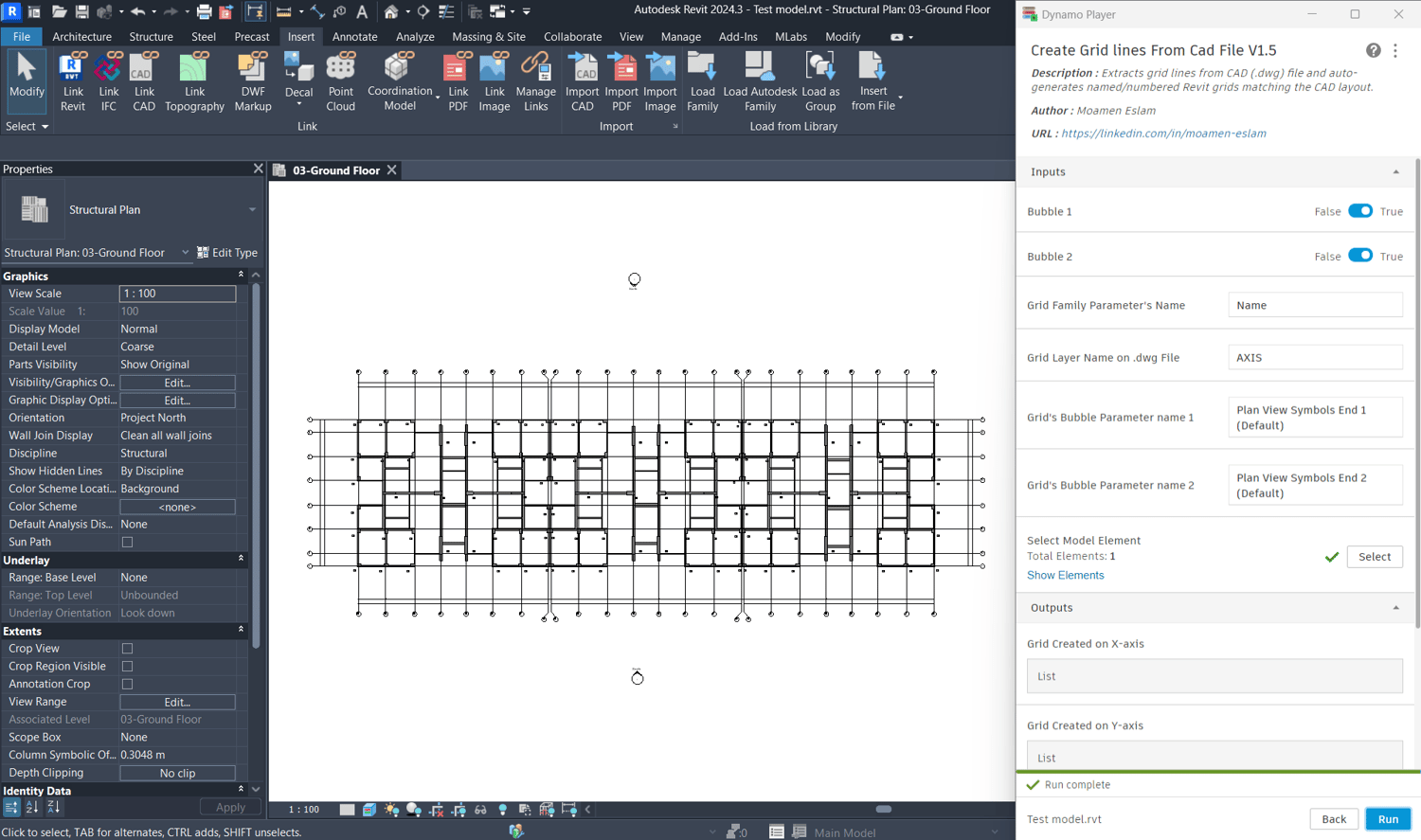
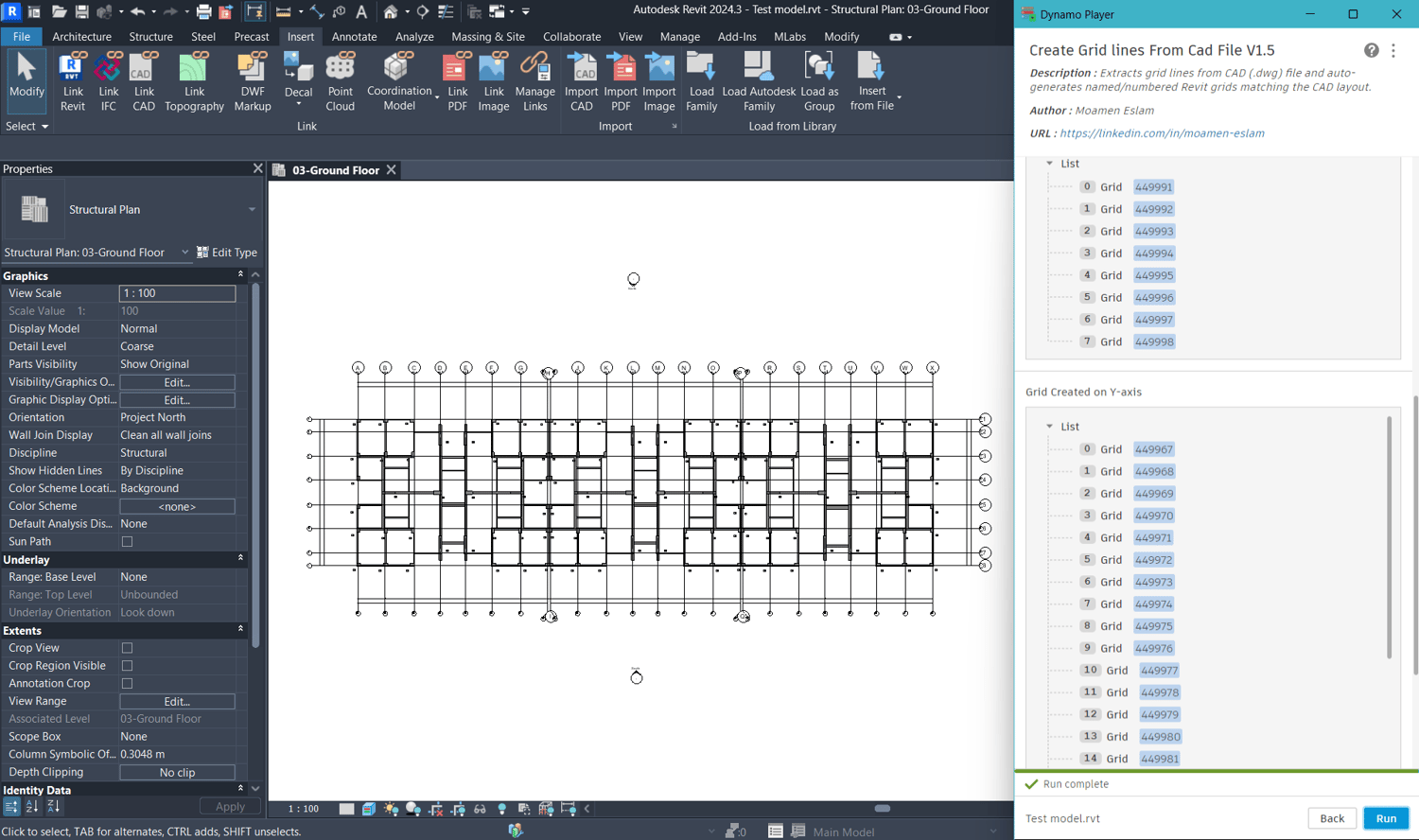
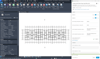
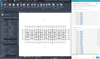
Manually tracing and numbering grids from a CAD import in Revit is repetitive and error-prone — especially on larger structural layouts where a single mislabeled grid cascades into every downstream element. This script automates both steps.
What You Get :
- The .DYN file (v1.0)
- Script Documentation with setup instructions
- Tested on Revit 2024, Dynamo Core 2.19.3.6394
- Required packages: bimorphNodes - Version: 5.1.3
Input Requirements:
- CAD file (.dwg) purged, audited, and overkill-cleaned
- Grid lines isolated on a single dedicated layer
- Straight, orthogonal grid lines only (see Known Limitations in Script Documentation)
Known Limitations:
1- Input CAD file must be purged, audited, and overkill-cleaned in AutoCAD before import. Script accuracy depends entirely on CAD file cleanliness.
2- Grid lines must be pre-sorted onto a single, dedicated CAD layer before running — the script filters by this layer name.
3- Script supports straight-line grids only. Curved, arced, or spline-based grid geometry is not supported and will not be processed correctly.
4- Script supports straight, orthogonal grid lines only. Lines that are curved, arced, or noticeably angled from true perpendicular/parallel will not generate a grid — verify grid count against the source CAD drawing after running.
Version:
v1.5 - Apr 2026
v2.0 - Oct 2026 (update notes):
- Inclined Line Support: The script now automatically detects and isolates straight inclined (angled) grid lines from the CAD layer.
- Dedicated Labeling: Angled lines are processed separately and assigned a compact identifier (U1, U2, U3...) to ensure clean presentation within Revit grid bubbles without text clipping.
- Remaining Limitation: Curved, arced, or spline geometry remains unsupported and will be ignored during import.
- Verification: Always confirm total generated grid counts against the source .dwg layer upon execution.
Support:
got questions or issues contact: support@bimlion.com