



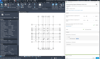
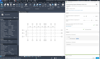
Dimensioning Spaces Between Grids
On Sale
$0.00
Pay what you want:
$
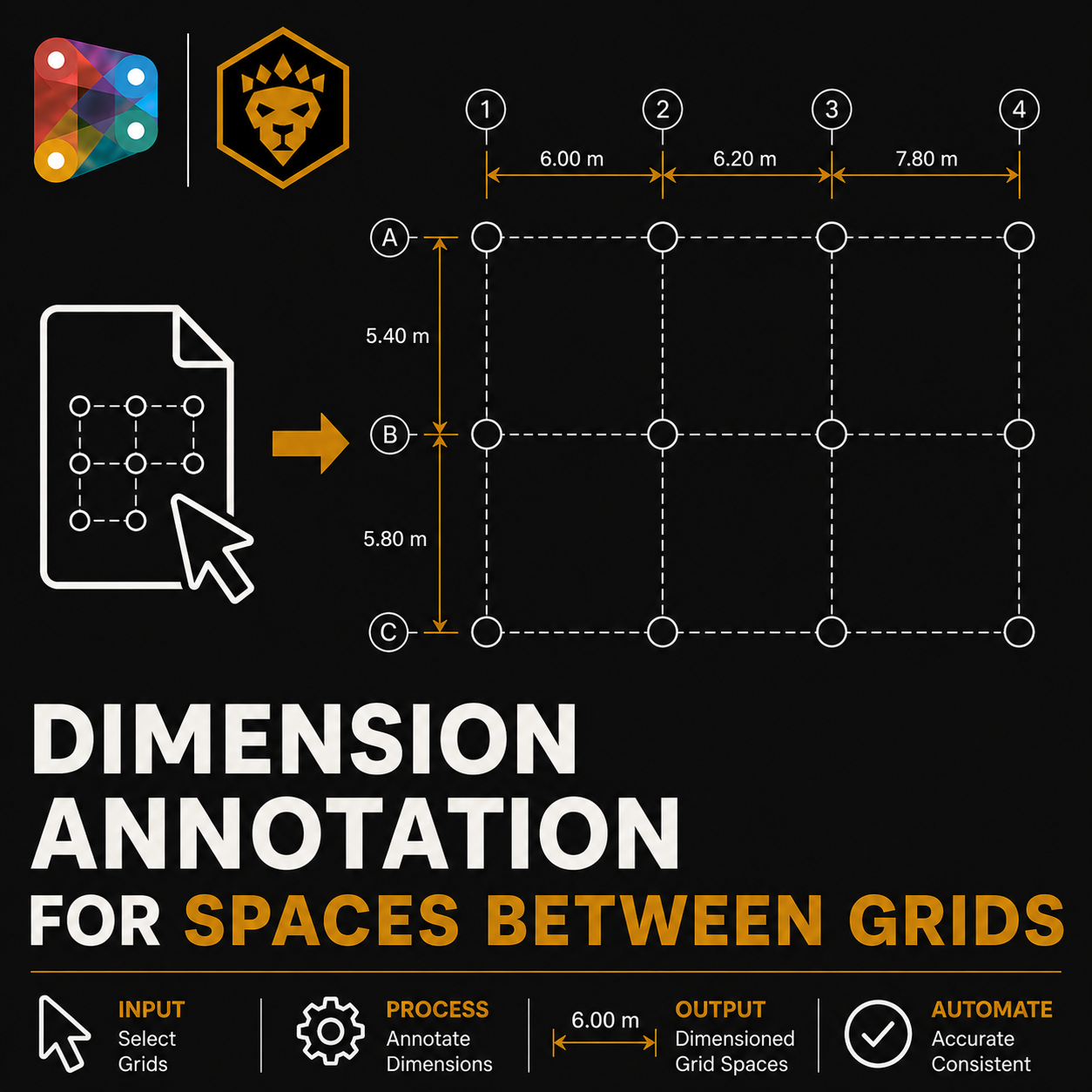
Create Dimension Annotation Between Grids
Manually dimension grid spacing on every sheet is repetitive — same process, every project, every direction.
What This Script Does
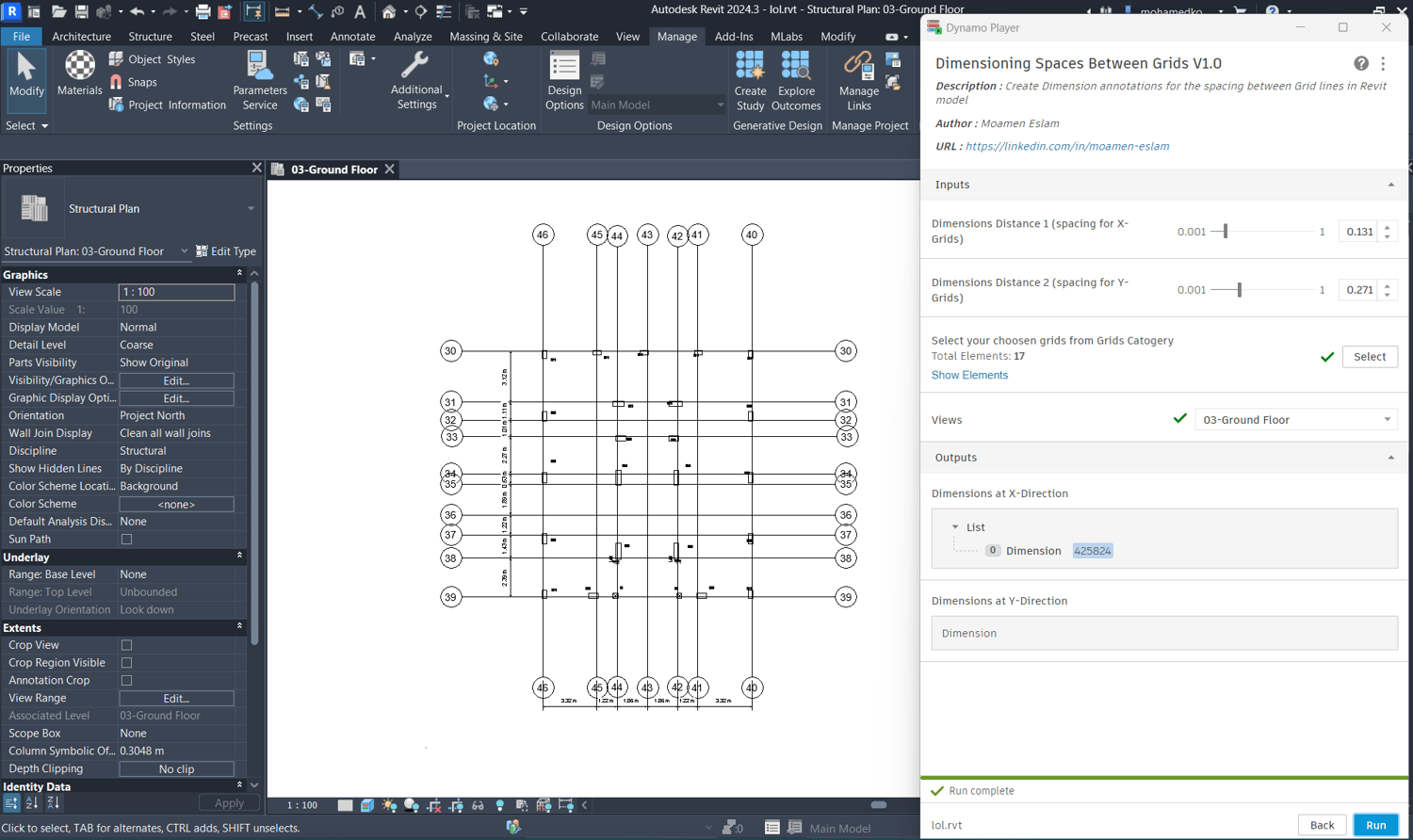
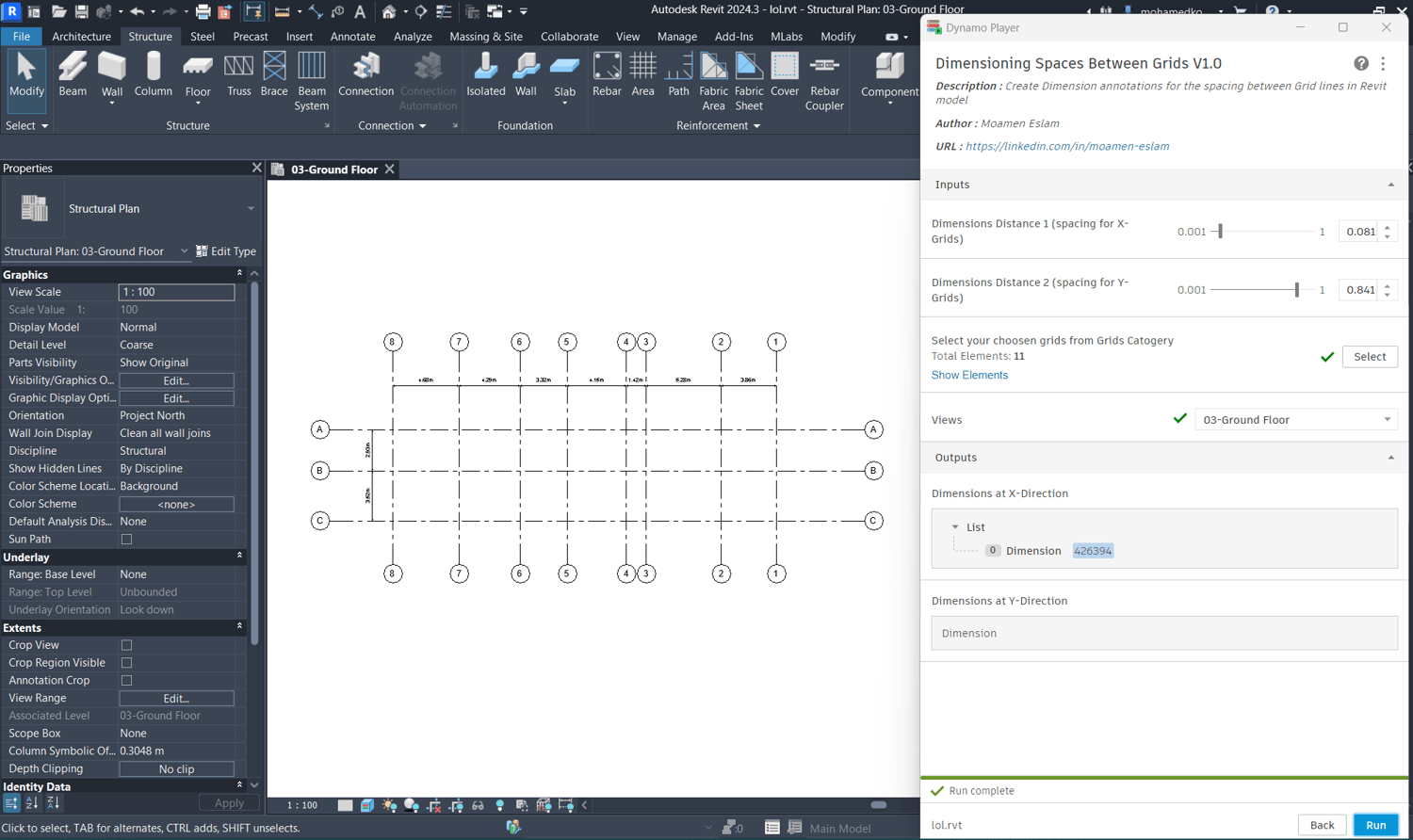
Select your grid lines, and the script creates a linear dimension chain between them automatically — same result as manual Revit dimension, without picking each reference by hand. Works one direction at a time (X or Y) or all at once.
What You Get
- The .DYN file
- Full documentation (setup + usage)
- Tested on Revit 2024.3.4 / Dynamo 2.19.4
- Required packages: None — native nodes only
Before You Buy — What You Need
- Grid lines already placed in your model
- Run once per direction if you have both X and Y grids
Known Limitations
- Only supports orthogonal (X/Y aligned) grids.
- Position sliders may need adjusting to get your preferred placement
- Annotation style can be changed after running
- In some cases, the dimension line may not land where you expect — if so, manually reposition it to your intended output.
- Minimum 2 grid lines required per direction — selecting grids from only one direction is fine, but the script will show a standard Dynamo error on the unused/empty side.
Version:
v1.0 — Mar 2026
License:
Free to use and share for personal and professional use. No claiming authorship or removing creator credit. No resale or repackaging as a paid product.
Support:
got questions or issues contact: support@bimlion.com