


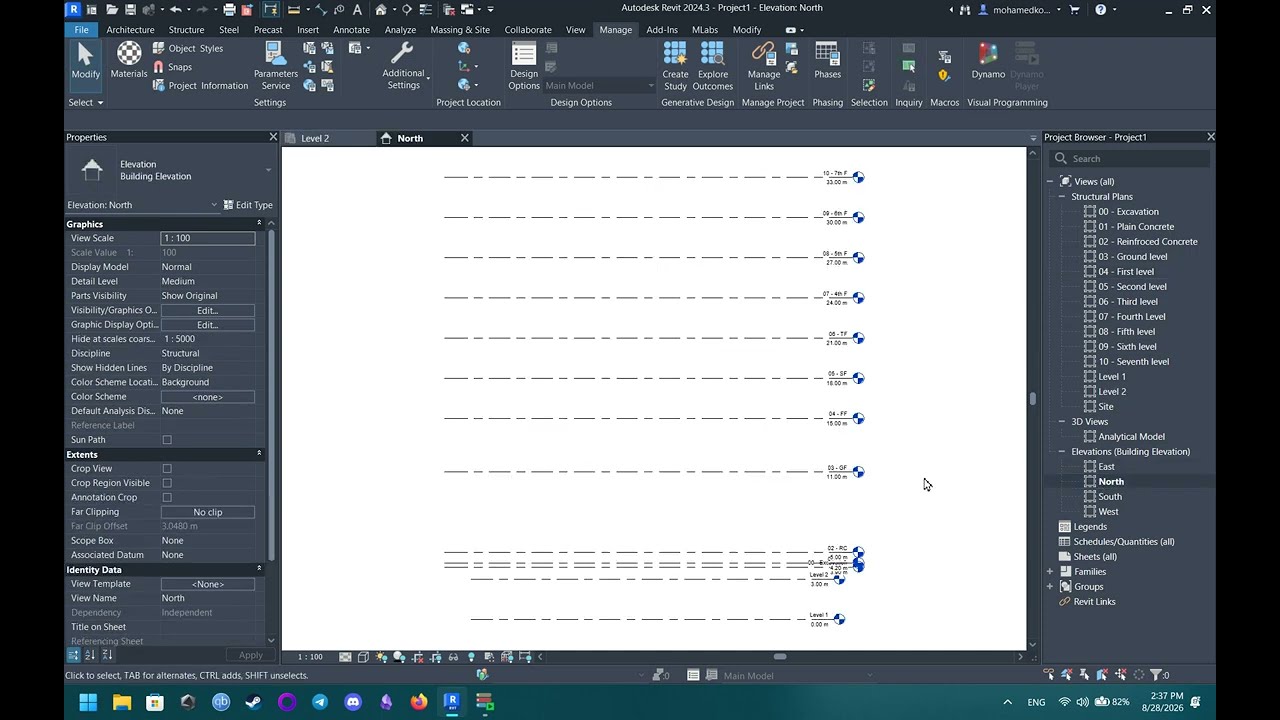
Create Levels and Structural Plans From Excel
Create Levels and Structural Plans From Excel
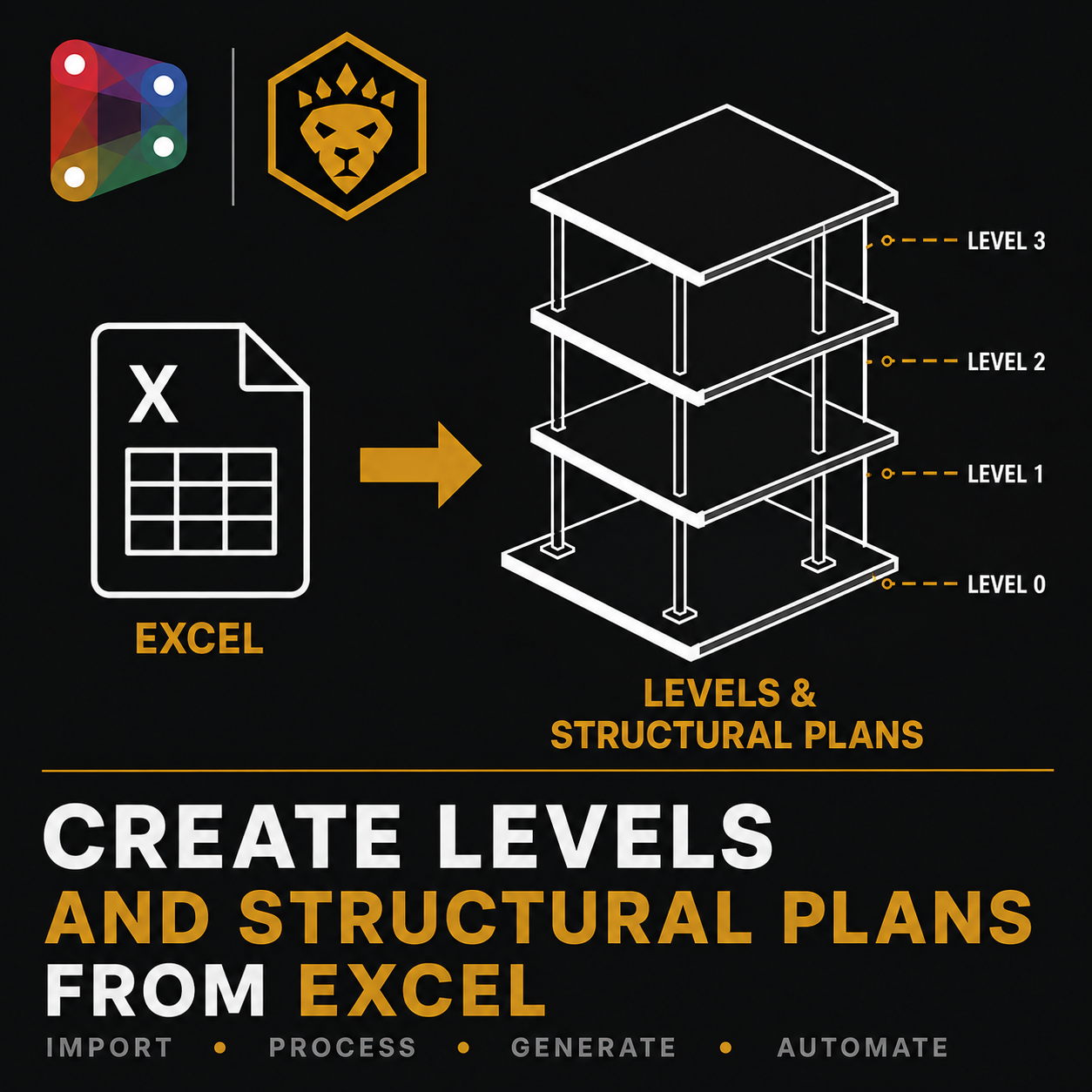
Turn an Excel level schedule into Revit Levels and Structural Plans automatically.
Creating project levels and their corresponding structural plans manually in Revit can become repetitive, especially when a project contains many levels. You have to take the level names and elevations from your Excel schedule, create each level, and then create and name the corresponding structural plan views one by one.
What This Script Does
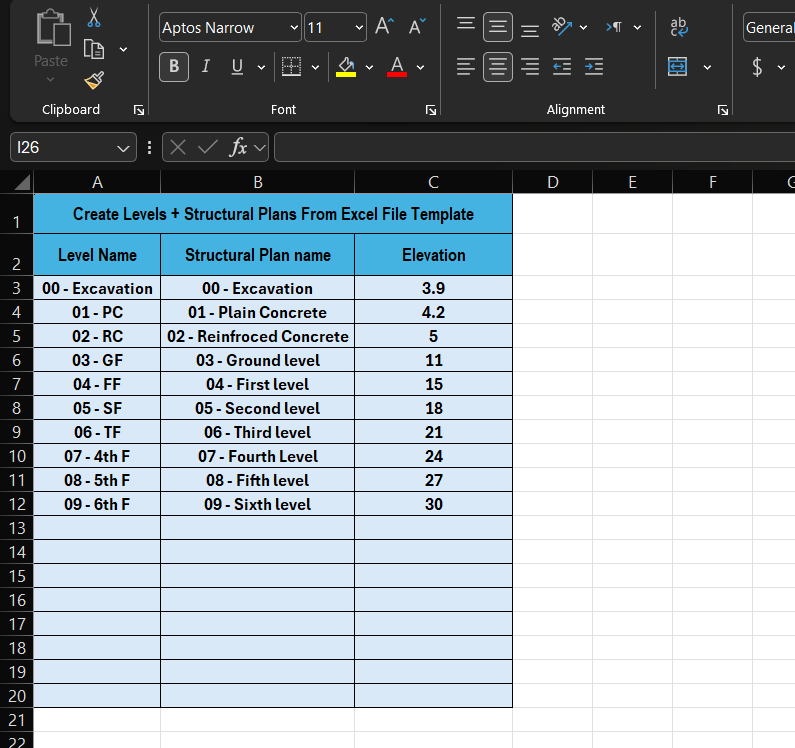
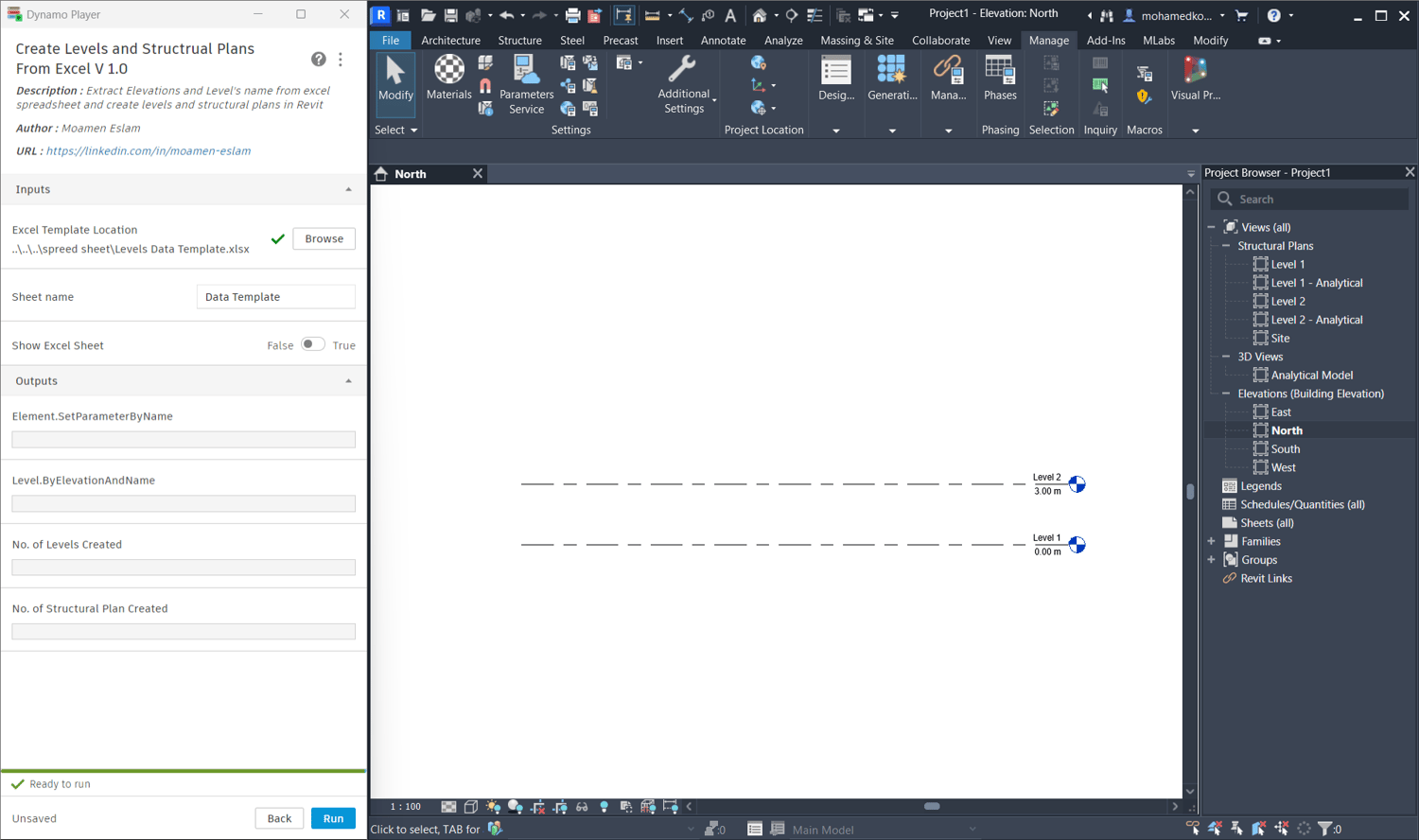
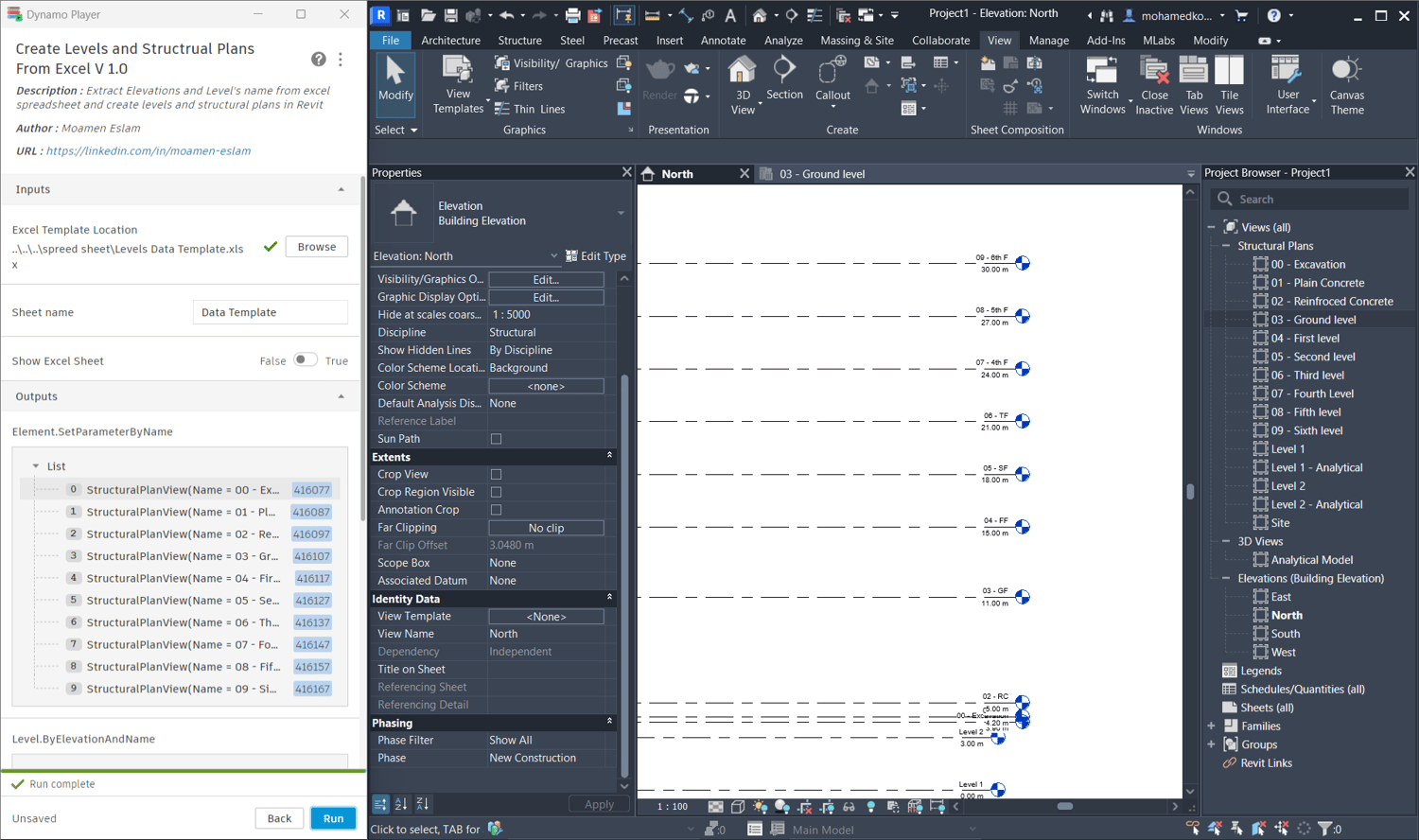
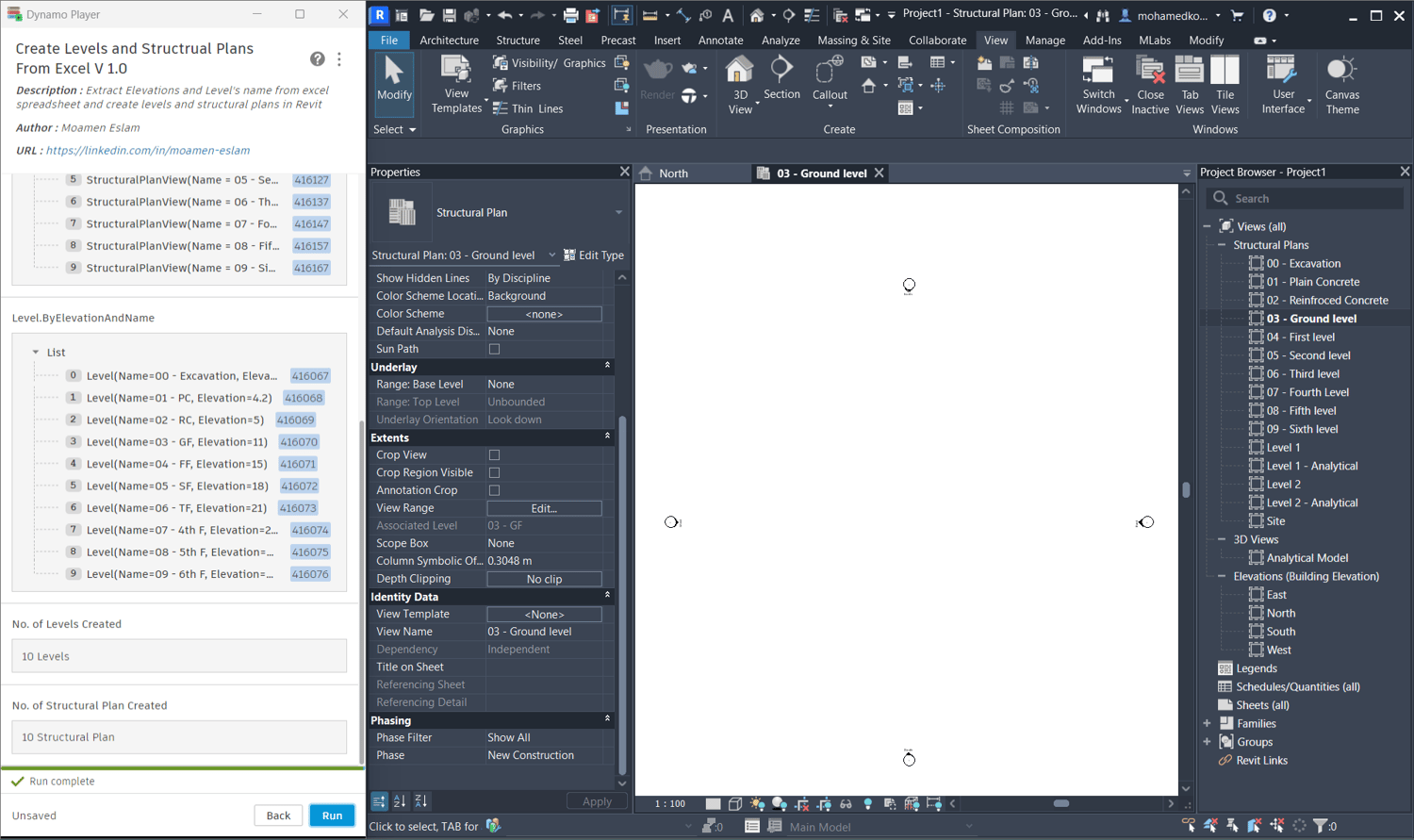
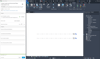
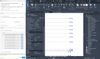
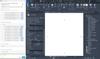
This Dynamo script takes your level names, elevations, and structural plan names from an Excel spreadsheet, organizes the information, and uses it to create the required Levels and Structural Plans in Revit.
Instead of manually transferring the information from your Excel schedule into Revit, the script handles the repetitive creation process from the spreadsheet data.
What You Get
- The .DYN Dynamo script
- Documentation covering setup and usage
- Levels Data Template (.xlsx) File
Before You Buy — What You Need
- An Excel spreadsheet containing:
- Level names
- Level elevations
- Corresponding structural plan names
- The Usage of the Provided Excel template is recommended for the best results.
- Your Revit project should not already contain Levels with the same name or exact elevation as the Levels being created, as this can cause data conflicts.
Known Limitations
- Existing Revit Levels with the same name or exact elevation can cause data conflicts.
- Using the provided Excel template is recommended to maintain the expected data structure.
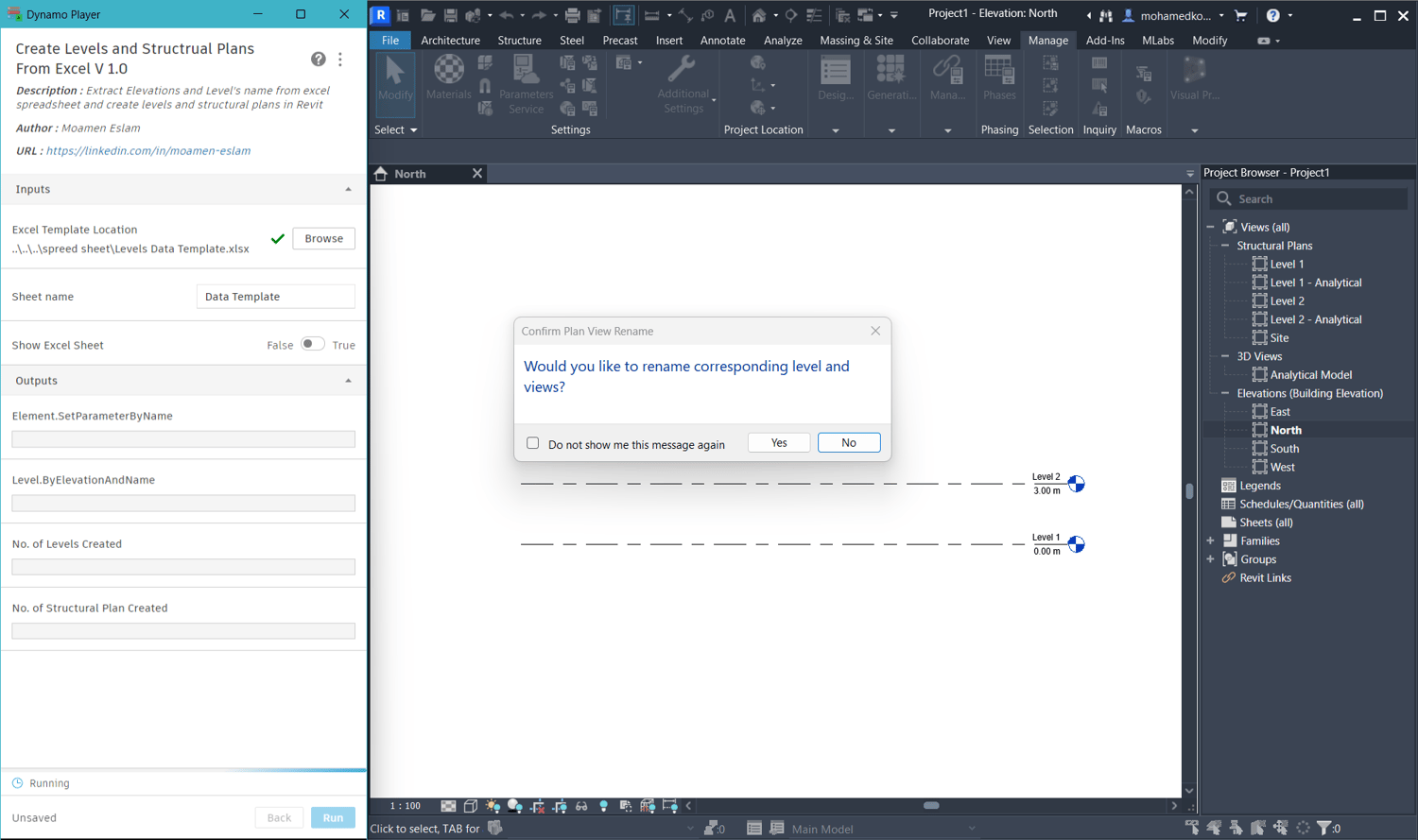
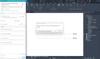
- Revit may prompt you to rename the corresponding Level and View before applying the changes.
- If the Structural Plan name is intentionally different from the Level name, select “No” when Revit asks whether to rename the corresponding view.
Version
v1.0 — Aug 2026
License
Free to use and share for personal and professional use. No claiming authorship or removing creator credit. No resale or repackaging as a paid product.
Support
Questions or issues → support@bimlion.com