



Create Foundation Slab Types From Excel
On Sale
$0.00
Pay what you want:
$
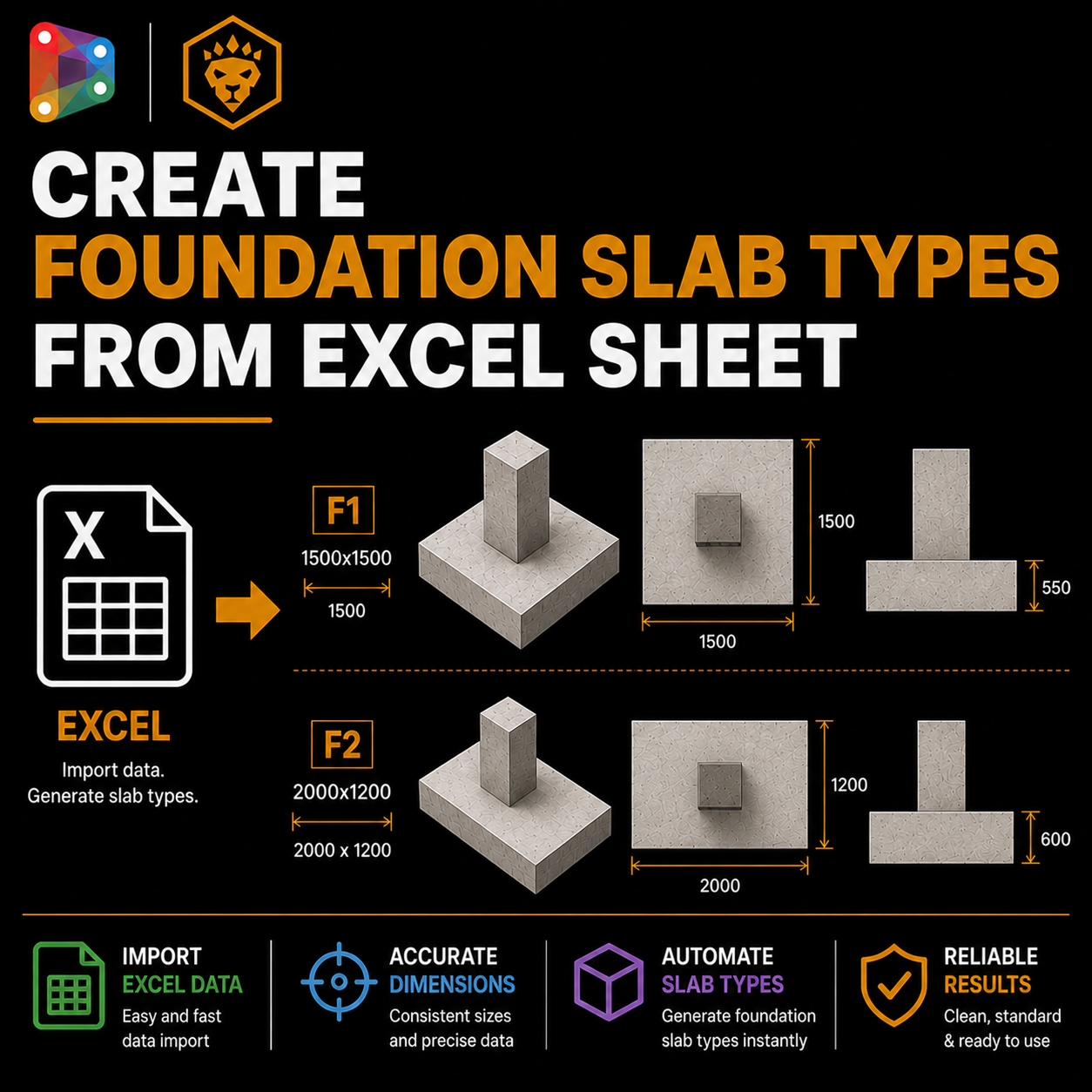
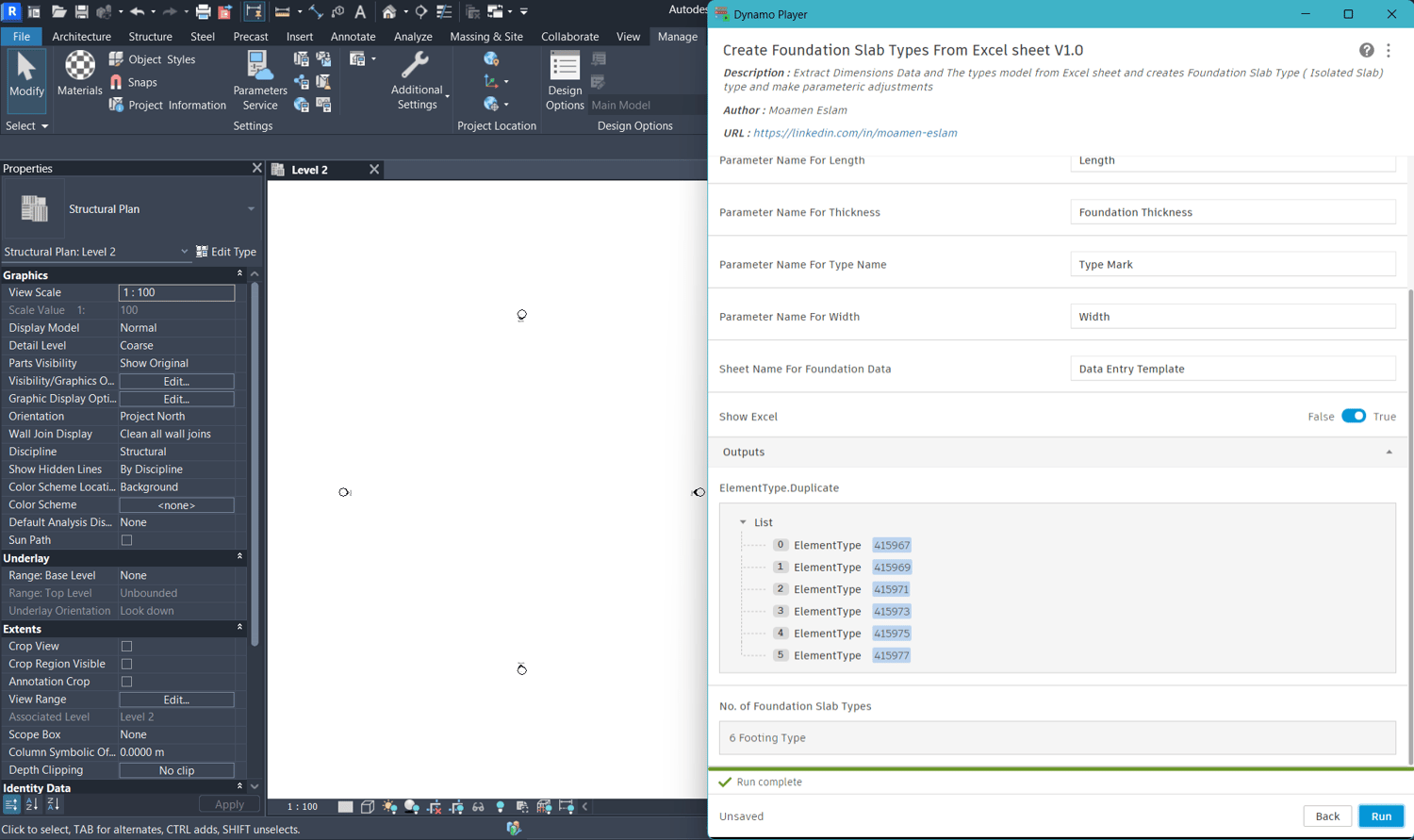
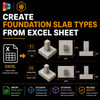
Create Foundation Slab Types From Excel — Automated Isolated Footing Type Creation
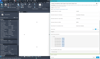
Manually creating and dimensioning Isolated Footing types in Revit is slow — building out 10 footing types with parameter edits by hand takes around 30 minutes. This script reads your footing list directly from Excel and builds every type automatically, with dimensions applied exactly as specified, in a fraction of the time.
What You Get:
- The .DYN file
- Full Script Documentation
- Tested on Revit 2024.3.4 / Dynamo 2.19.x
- Required packages: None
Input Requirements:
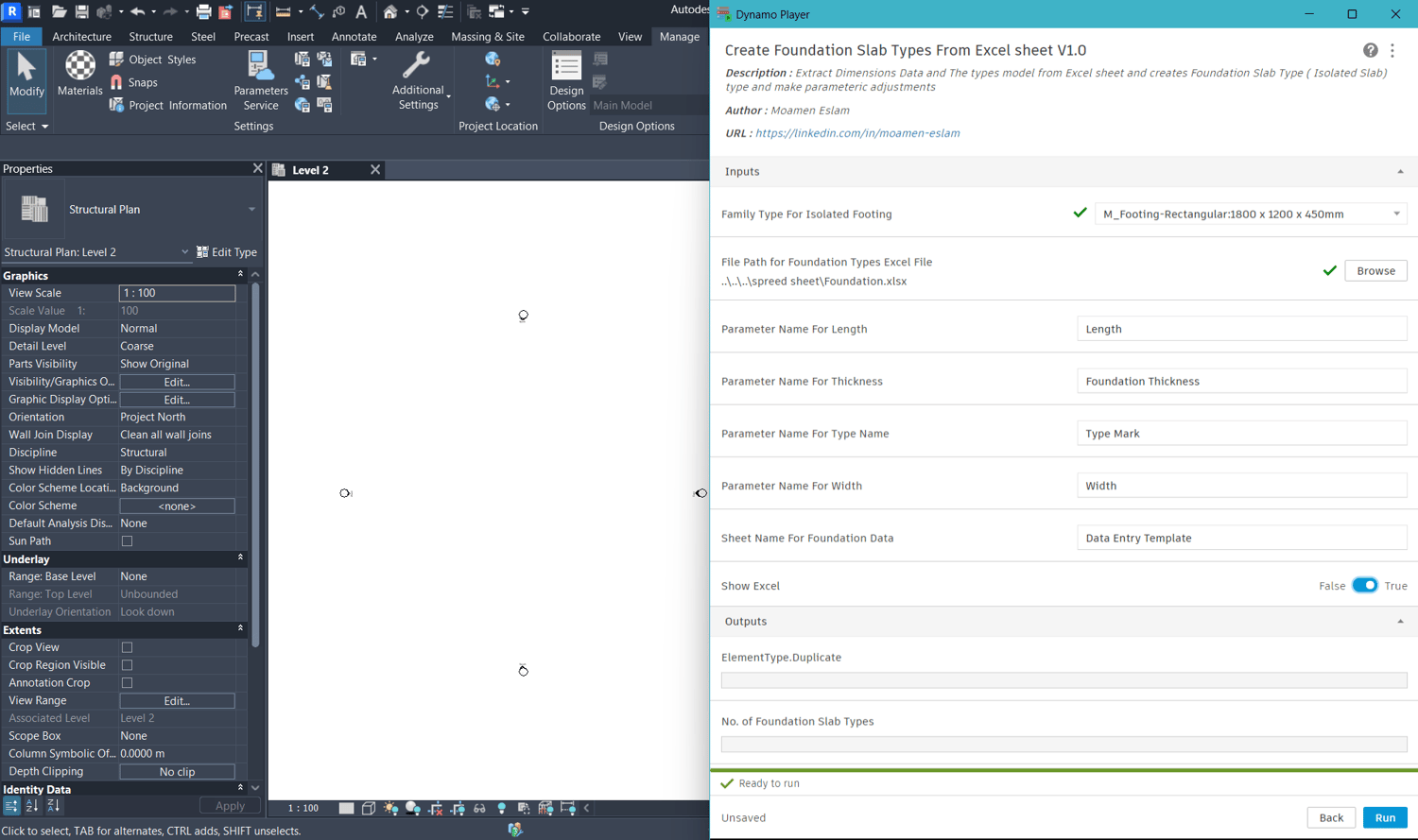
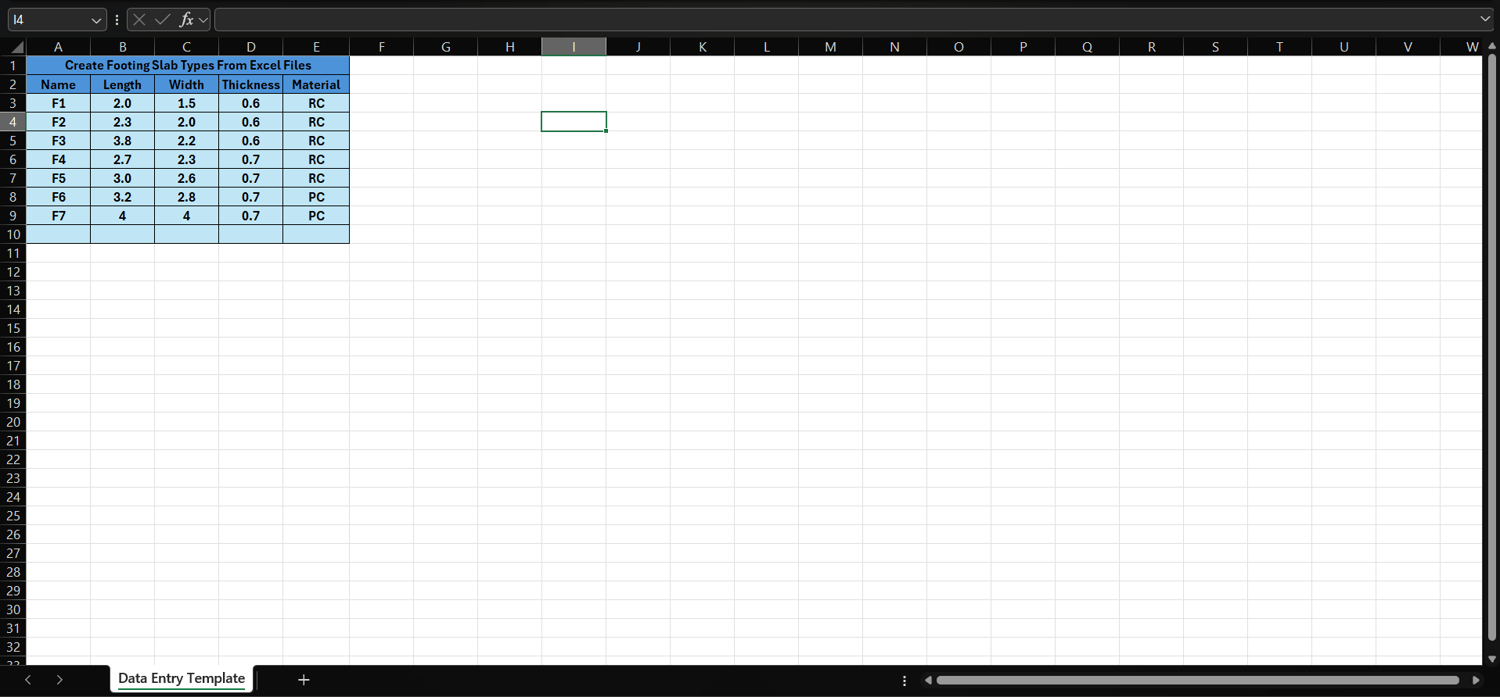
- Excel sheet with Footing name, length, width, thickness columns (template provided)
- Units matching your Revit model's unit settings
- No existing footing type in the model sharing name or exact dimensions with an incoming entry
Known Limitations:
- Make sure there isn't any Foundation Slab in revit models that have the same name or the exact Dimensions to avoid data conflicts.
- The use of the provided Excel sheet Template is Recommended for best results
- Dynamo runs Units as the same assigned in Revit make sure your dimension's unit match the model unit setting.
- Best used For Isolated Footing Families only.
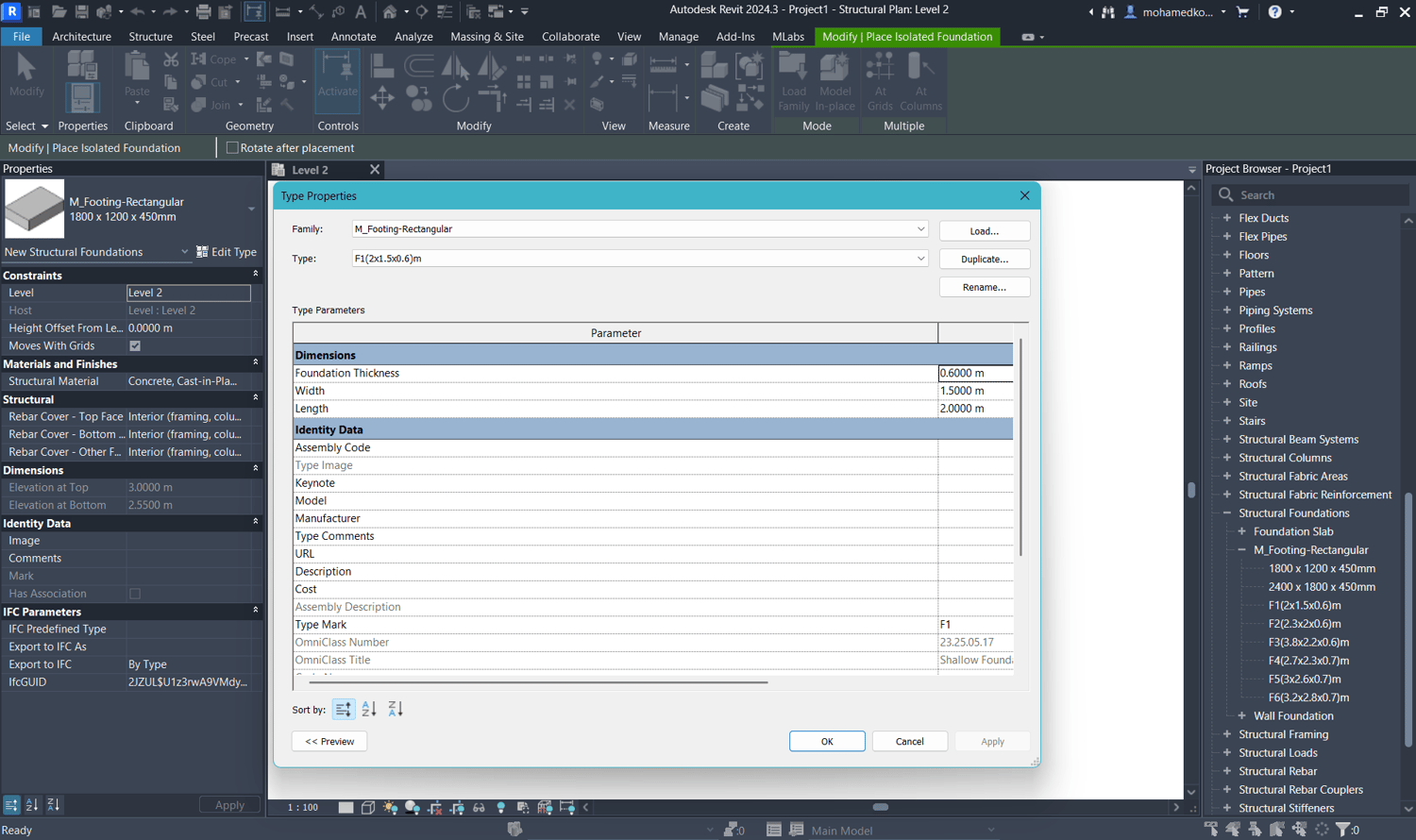
- The output format resulted: [Mark] - [Material] - [Dimensions] - [Unit].
Version:
v1.0 — Aug 2026
License:
Free to use and share for personal and professional use. No claiming authorship or removing creator credit. No resale or repackaging as a paid product.
Support:
Questions or issues → support@bimlion.com