


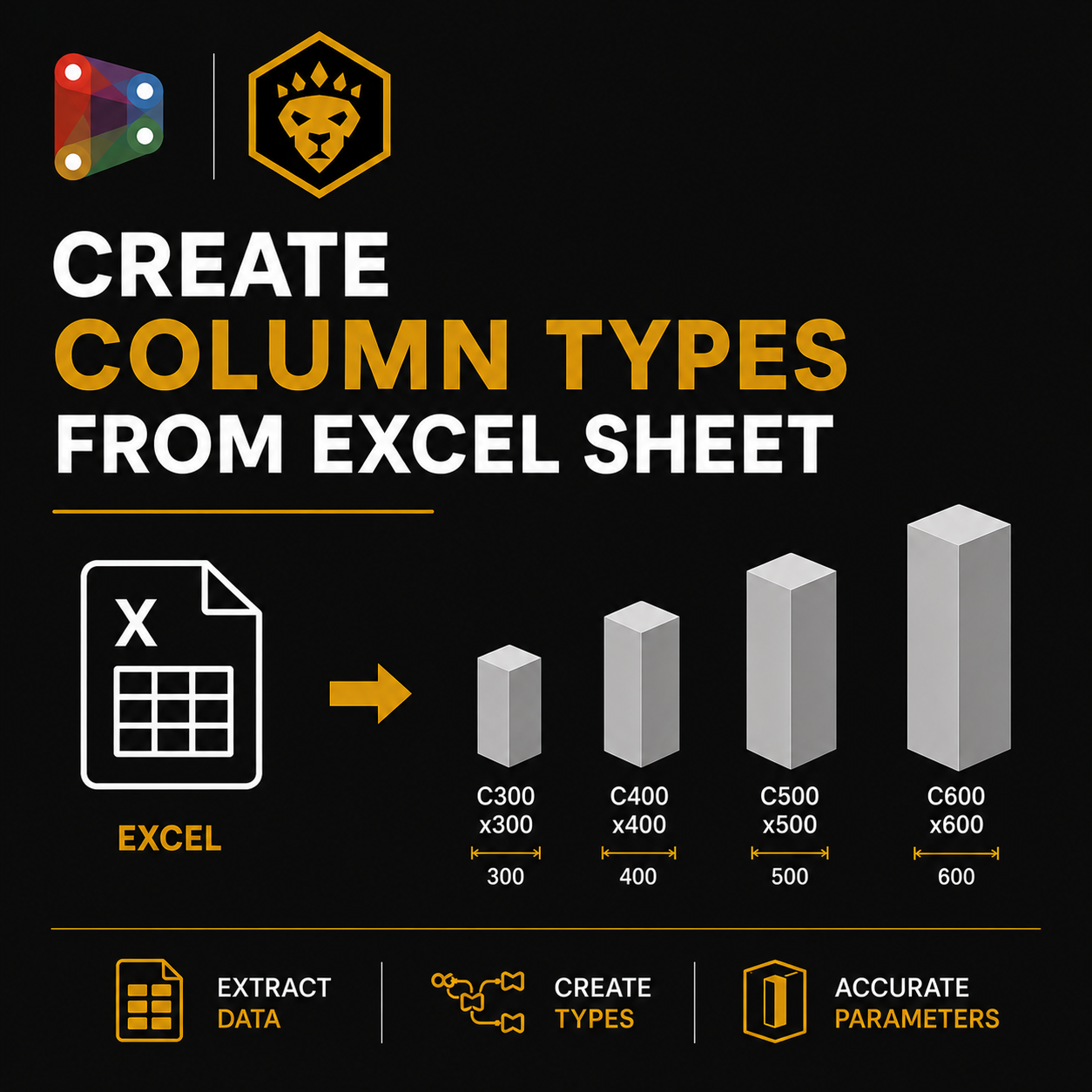
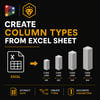

Create Column Types From Excel
Create Column Types From Excel — Automated Column Type Creation
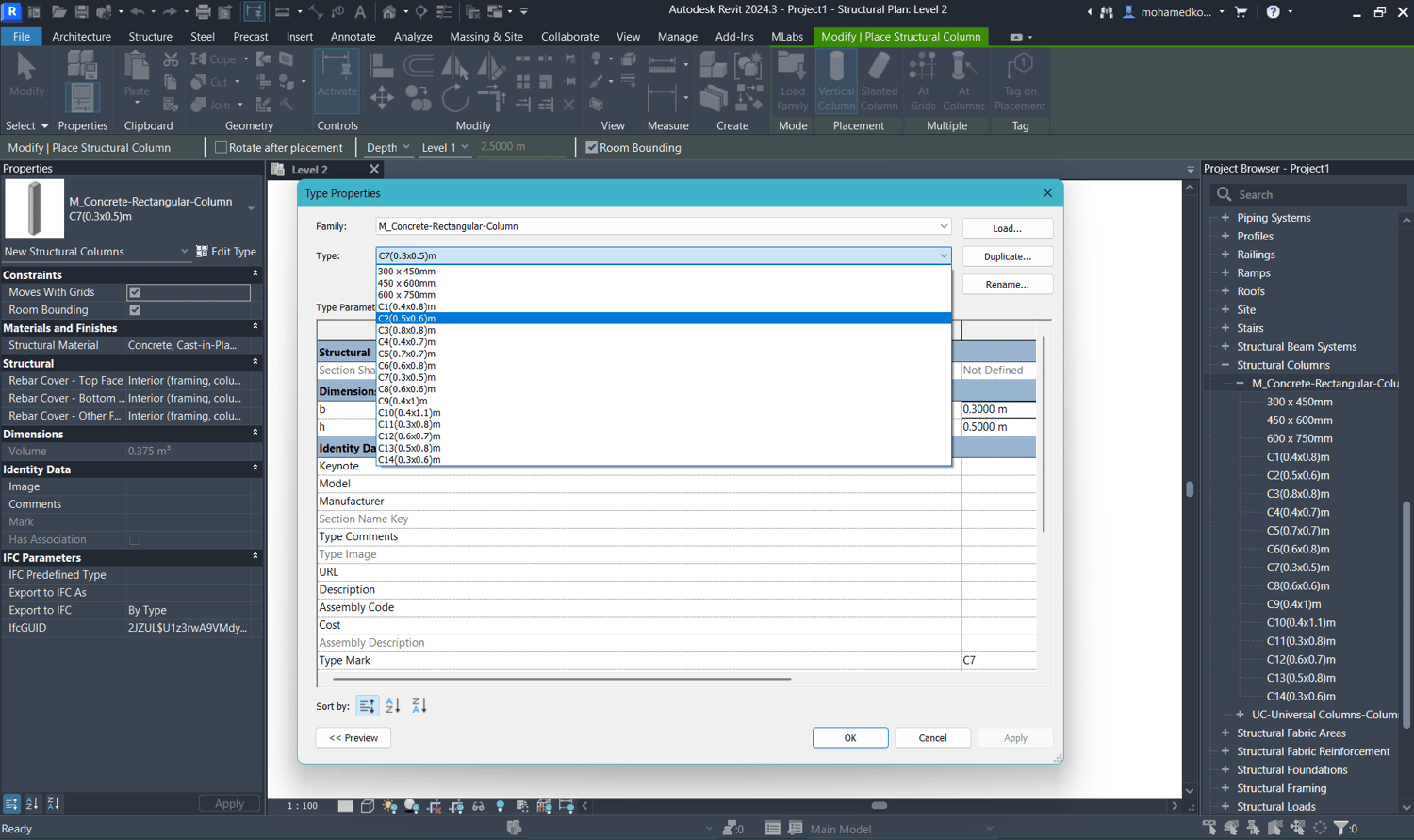
Manually creating and Typing Dimensions for Column types in Revit — one at a time, with parameter edits for each — is one of the most time-consuming setup tasks in a project, scaling directly with how many column types your design actually carries. On any project with a meaningful column schedule, this adds up fast.
What This Script Does
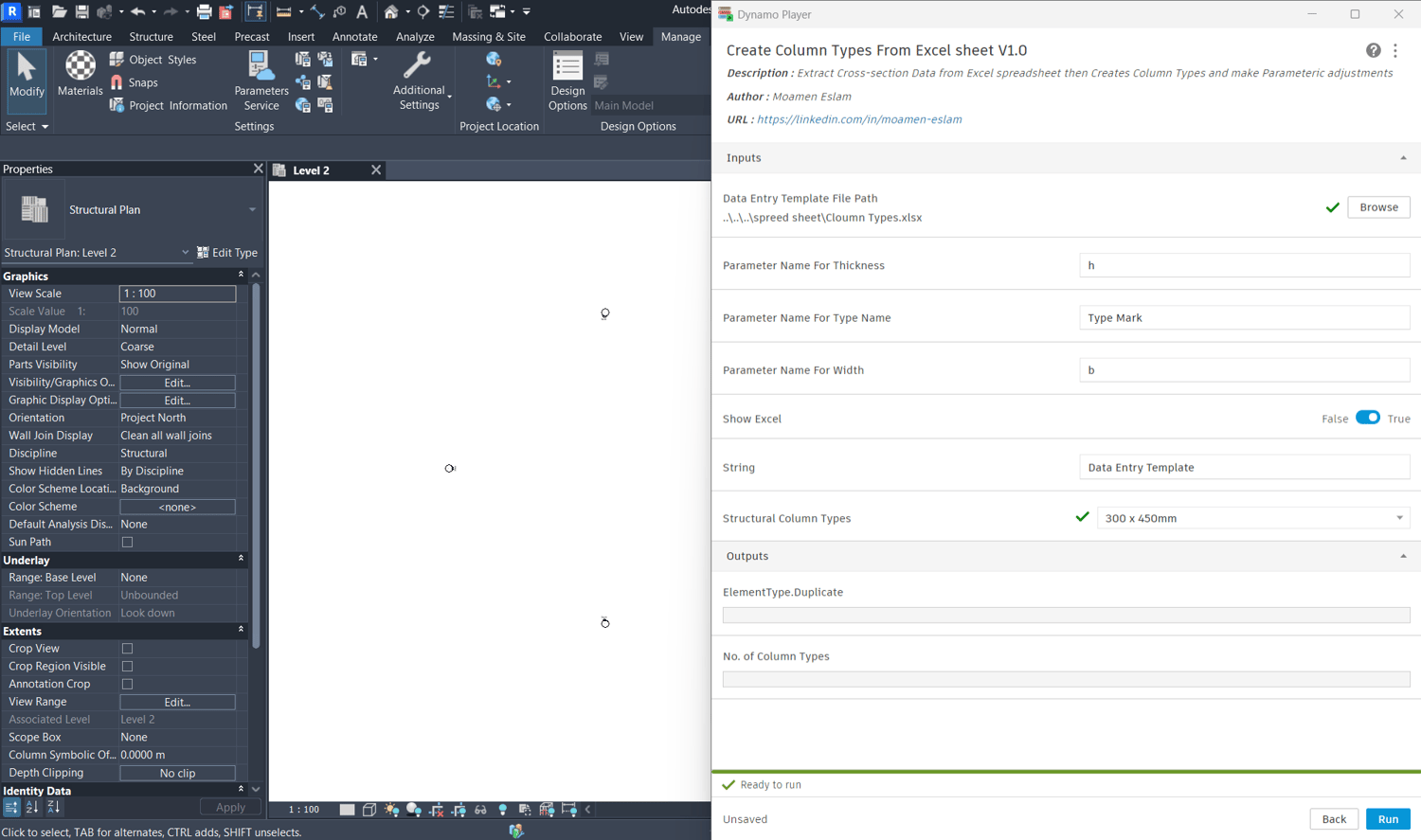
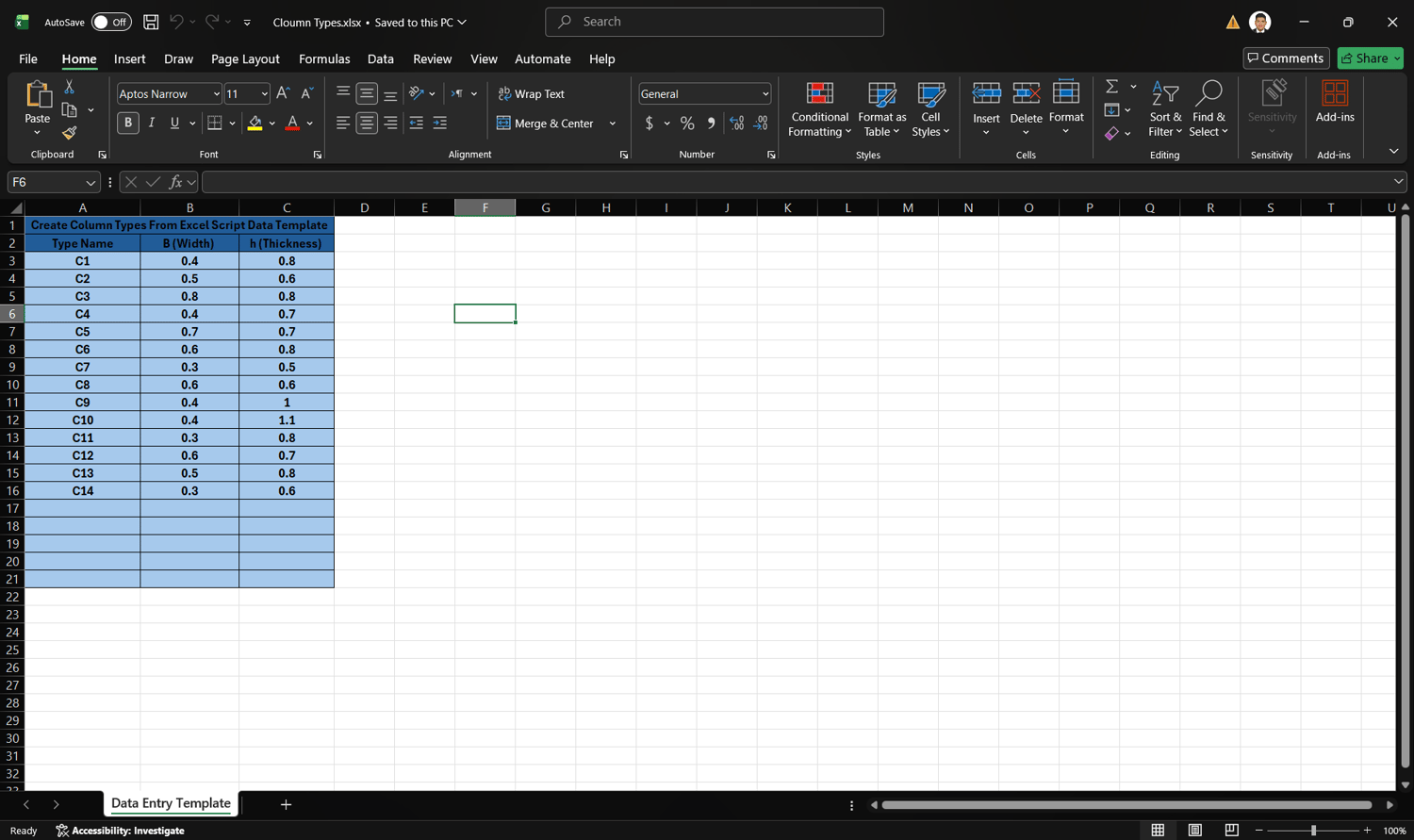
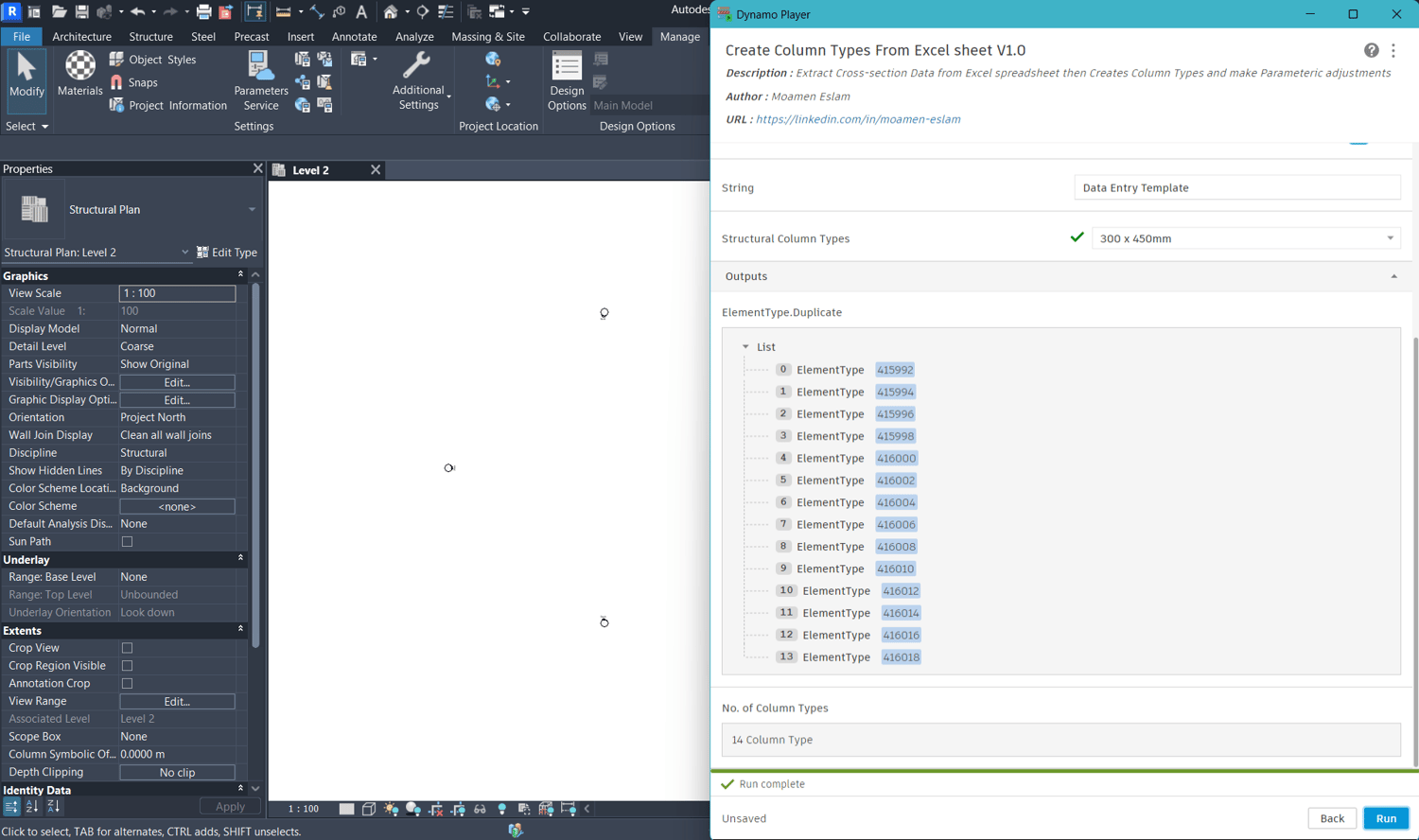
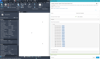
This script reads your column list directly from Excel — name and dimensions — and creates every Column type automatically, with parameters applied exactly as specified. No manual duplication, no manual parameter entry, regardless of how many types your project needs.
What You Get
- The .DYN file
- Full Script Documentation
- Tested on Revit 2024.3.4 / Dynamo 2.19.4
- Required packages: None
Before You Buy — What You Need
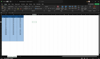
- Excel sheet with column name and dimension columns.
- Units matching your Revit model's unit settings.
- No existing Column Type in the model sharing name or exact dimensions with an incoming Excel entry.
Known Limitations
- Ensure no existing Column Type in the Revit model shares the same name or exact dimensions as an incoming Excel entry.
- The use of the provided Excel sheet Template is Recommended for best results.
- Unit mismatch between Excel and Revit model will produce incorrect dimensions.
- The output format resulted: [Mark] - [Dimensions] - [Unit].
Version
v1.0 — Apr 2026
License
Free to use and share for personal and professional use. No claiming authorship or removing creator credit. No resale or repackaging as a paid product.
Support
Questions before or after purchase → support@bimlion.com