


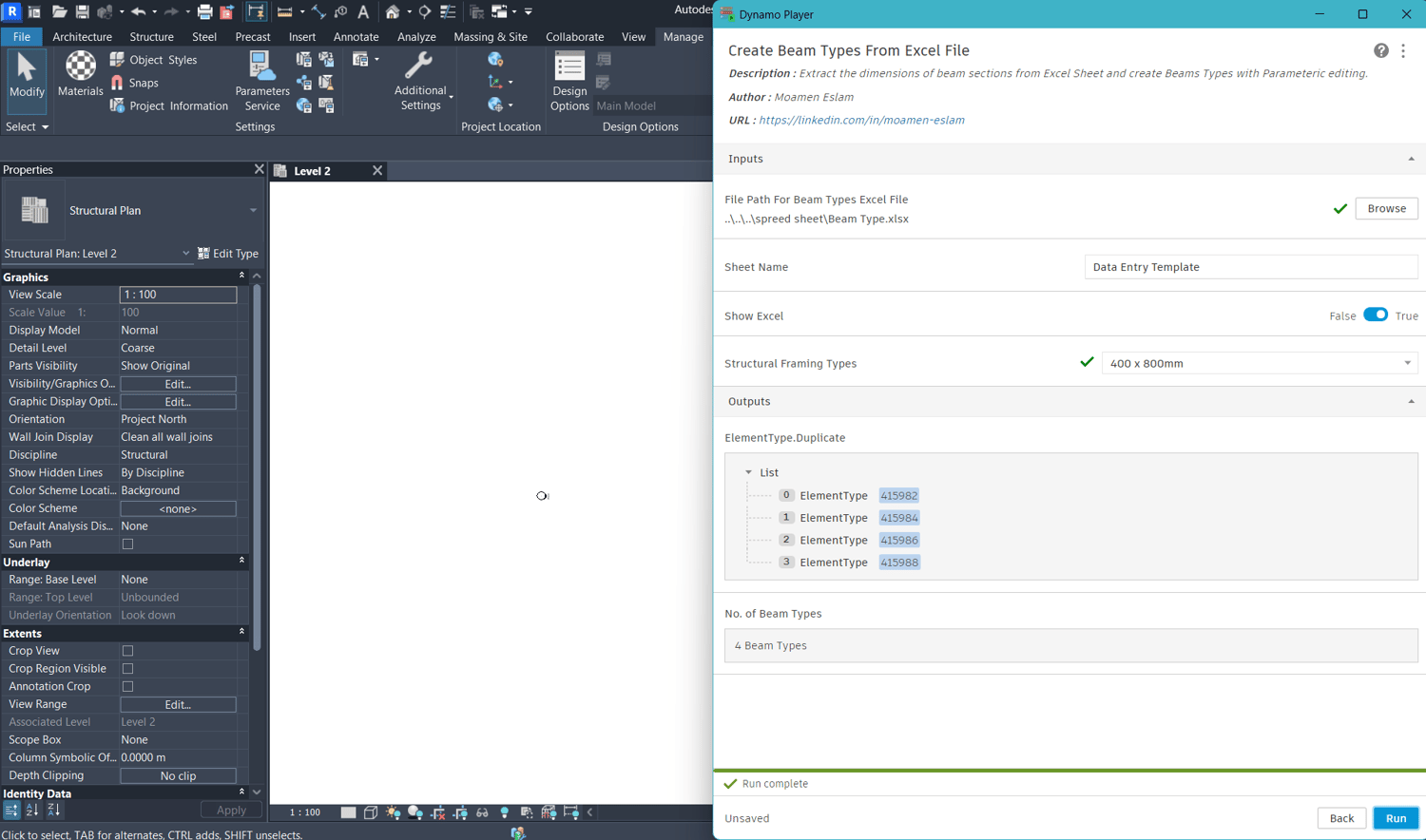
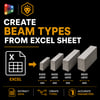

Create Beam Types From Excel
On Sale
$0.00
Pay what you want:
$
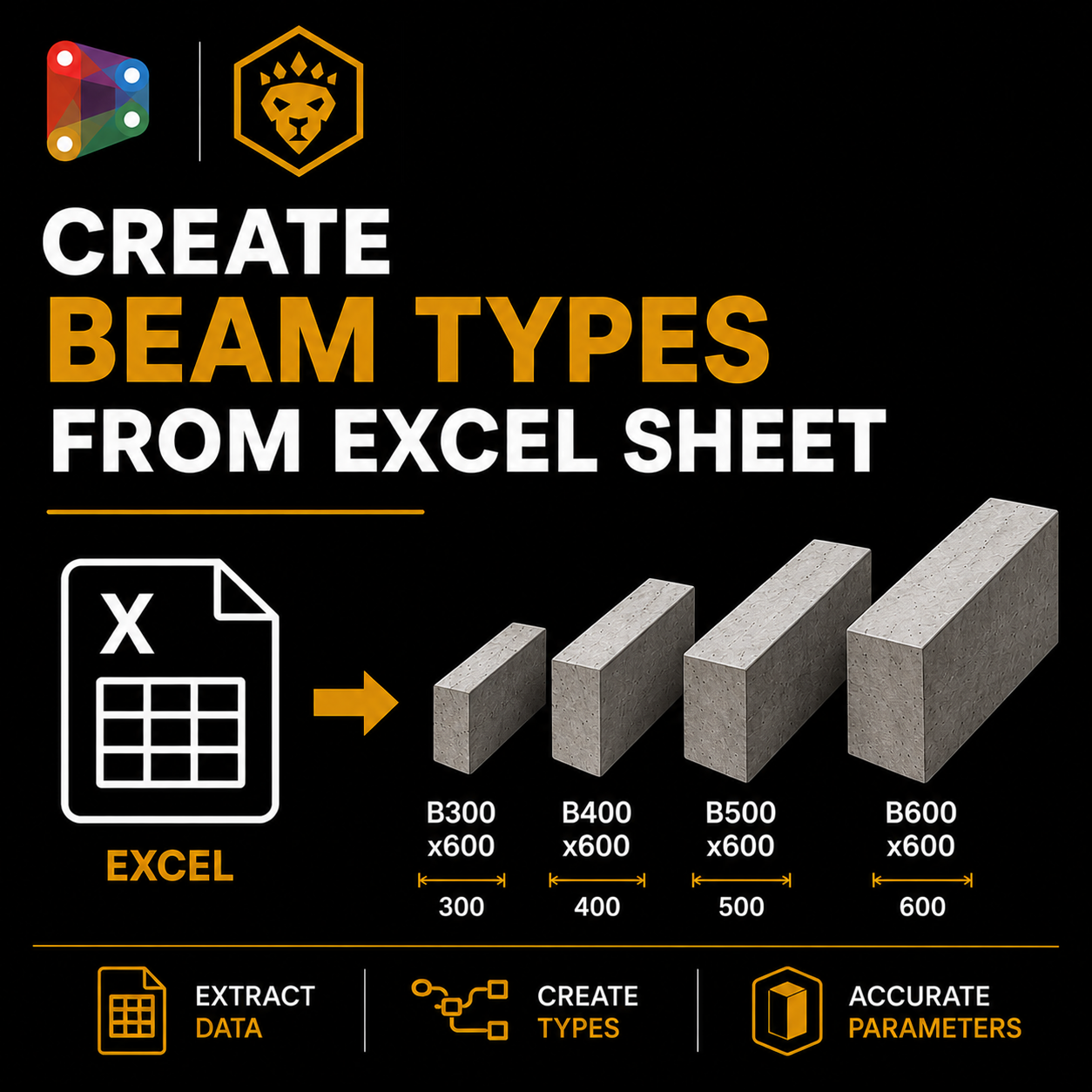
Create Beam Types From Excel — Automated Beam Cross-Section Creation
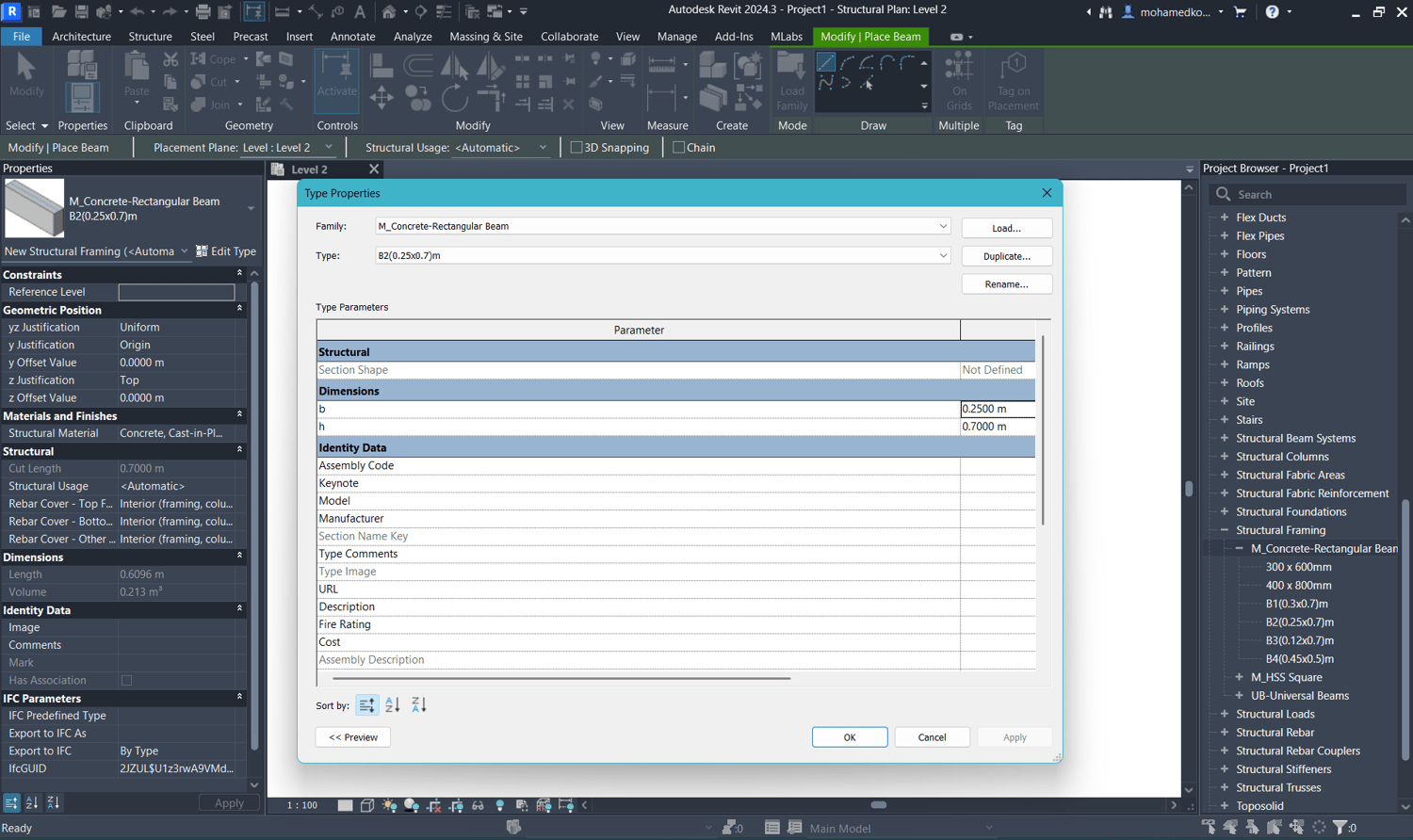
Manually creating and dimensioning Beam types in Revit — one at a time, with parameter edits for each — is slow, especially since most designs carry their own mix of beam systems with varying dimensions. A typical beam type list can take upward of 45 minutes to build by hand.
What This Script Does
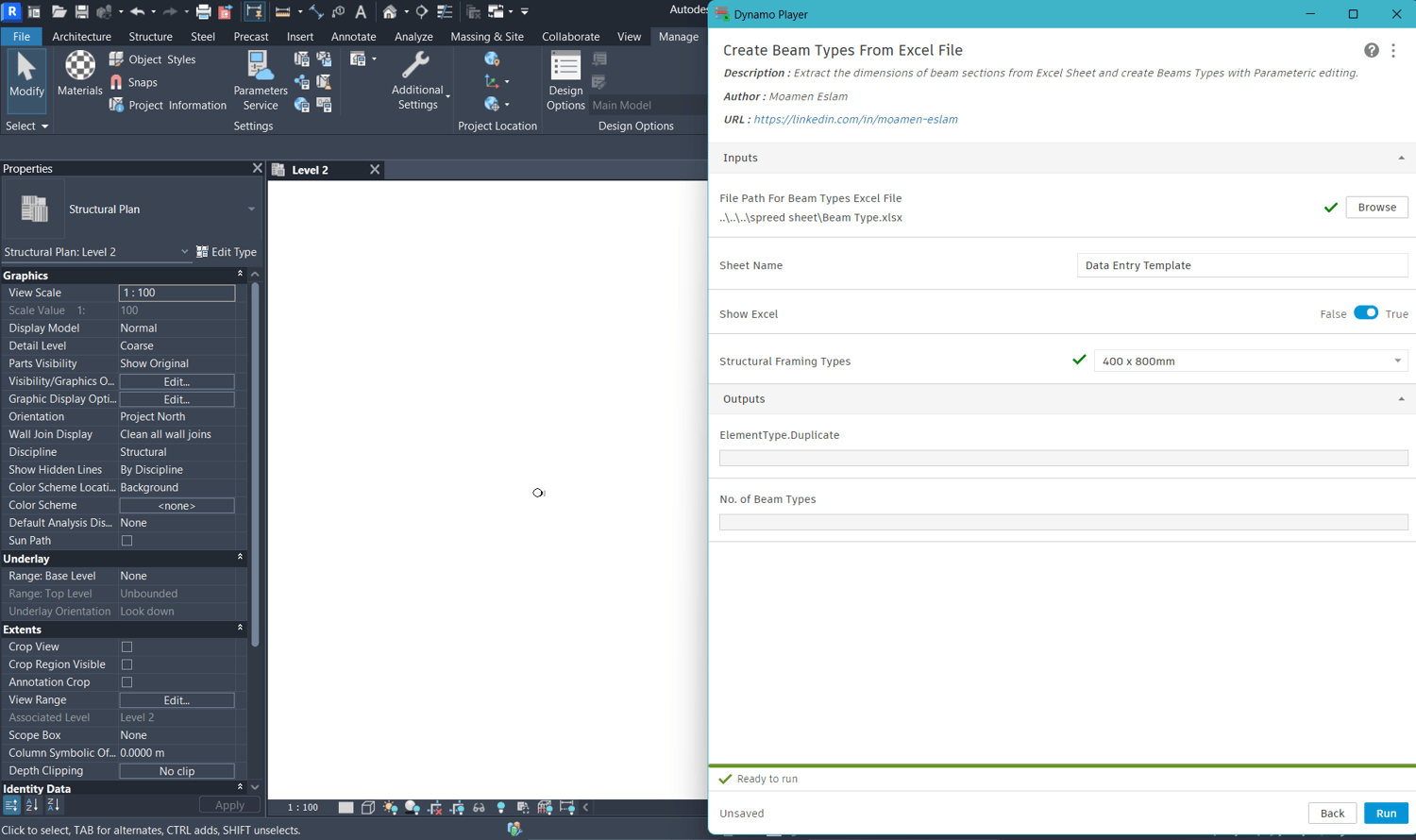
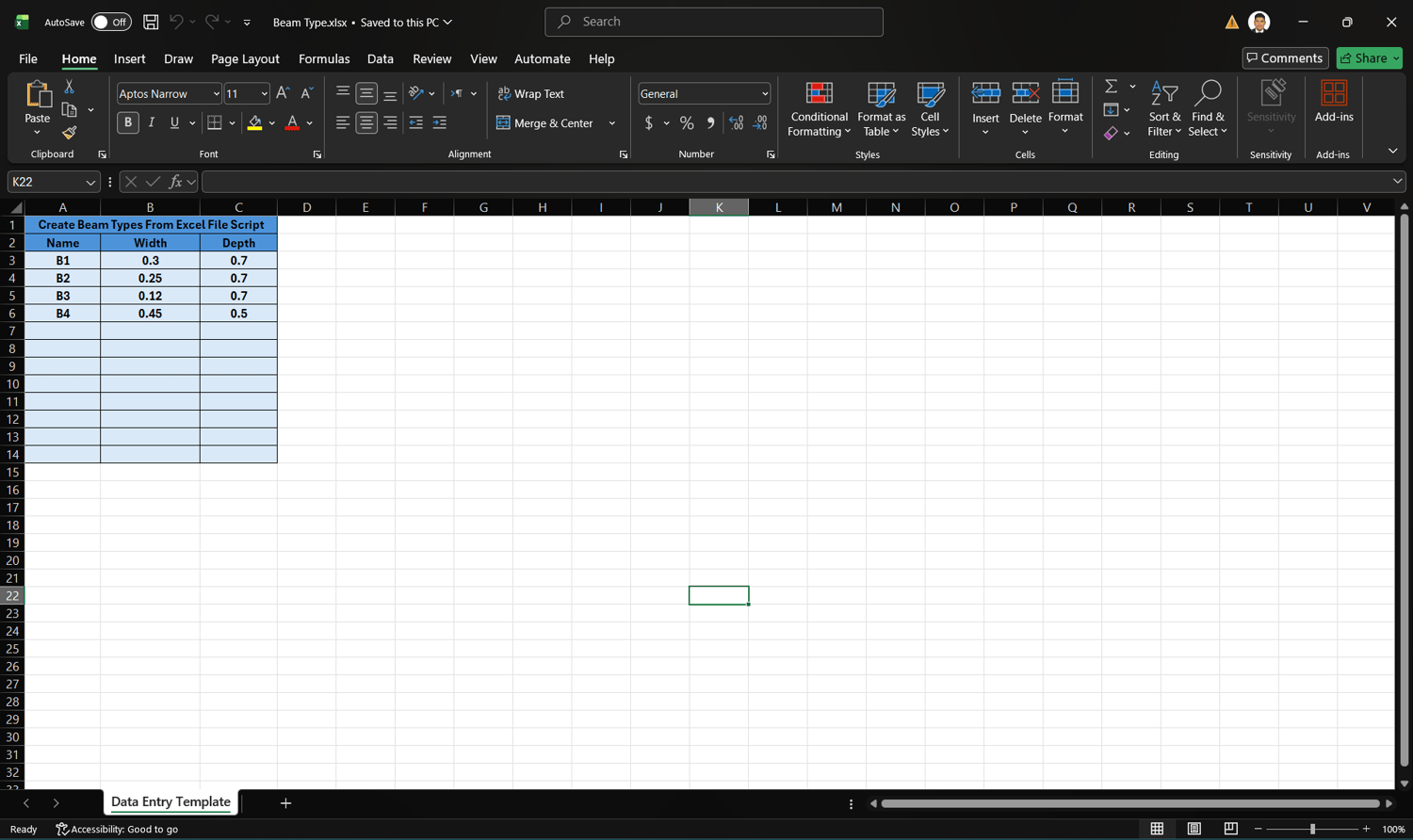
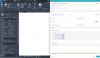
This script reads your beam list directly from Excel — name, width, and depth — and creates every Beam type automatically inside your existing family, with cross-section dimensions applied exactly as specified. No manual duplication, no manual parameter entry.
What You Get
- The .DYN file
- Full Script Documentation (setup + usage)
- Tested on Revit 2024.3.4 / Dynamo 2.19.4
- Required packages: None
Before You Buy — What You Need
- Excel sheet with beam's Name, Width, Depth columns (template provided)
- Units matching your Revit model's unit settings
- No existing Beam type in the model sharing name or exact dimensions with an incoming Excel entry
Known Limitations
- Script is expected to fail visibly, not silently overwrite, if a duplicate name/dimension is detected — check your model first.
- The use of the provided Excel sheet Template is Recommended for best results.
- Unit mismatch between Excel and Revit model will produce incorrect dimensions.
- The output format resulted: [Mark] - [Dimensions] - [Unit].
Version
v1.0 — Jul 2026
License
Free to use and share for personal and professional use. No claiming authorship or removing creator credit. No resale or repackaging as a paid product.
Support
Questions or issues → support@bimlion.com