


Calculate Stairs and Ramps Volume
On Sale
$0.00
Pay what you want:
$
Calculate Stairs and Ramps Volume — Automated Parameter Write-Back
A single stair or ramp flight can take 1–2 hours to calculate and cross-check manually — and a project with multiple runs quickly turns that into hours of repetitive quantity work.
What This Script Does
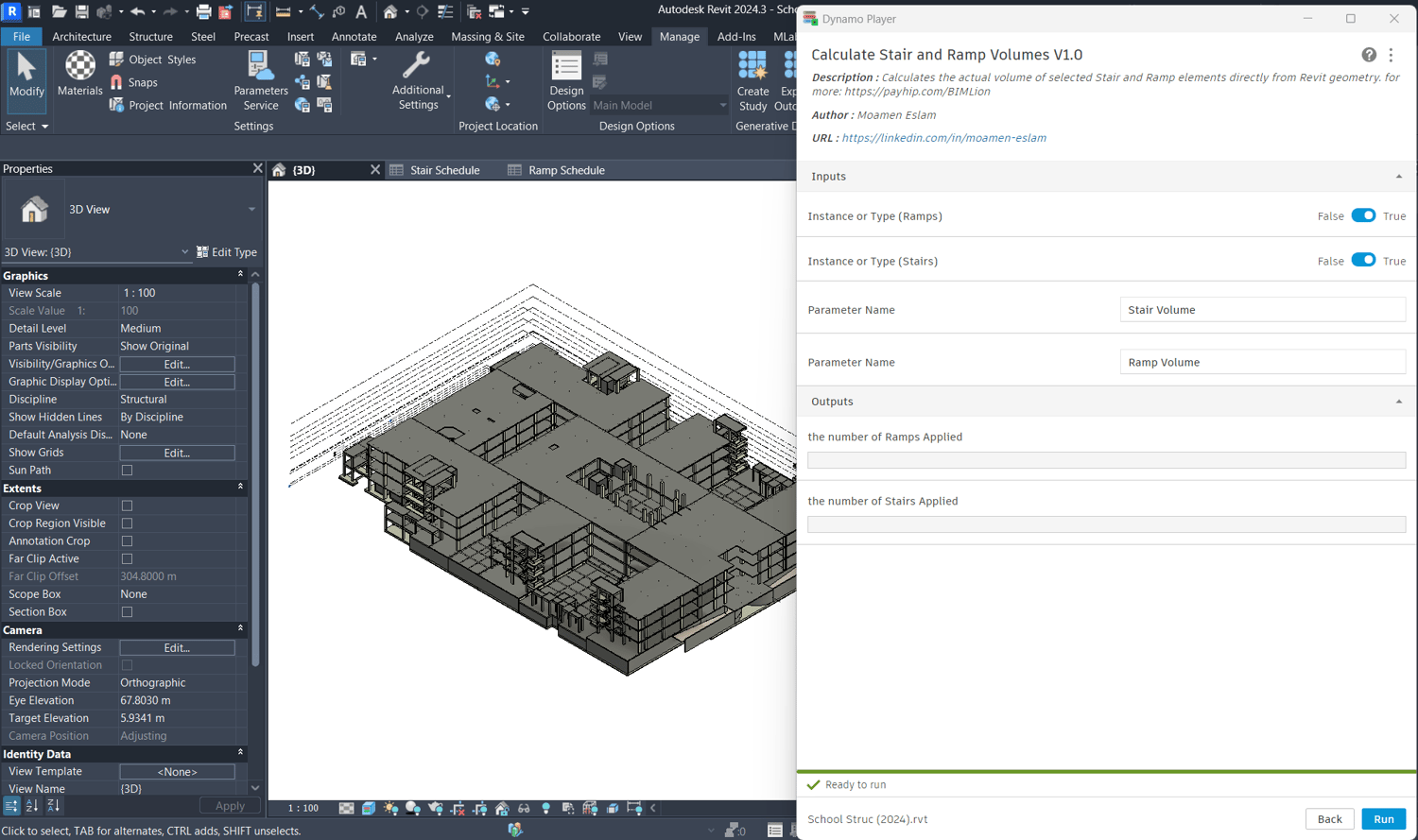
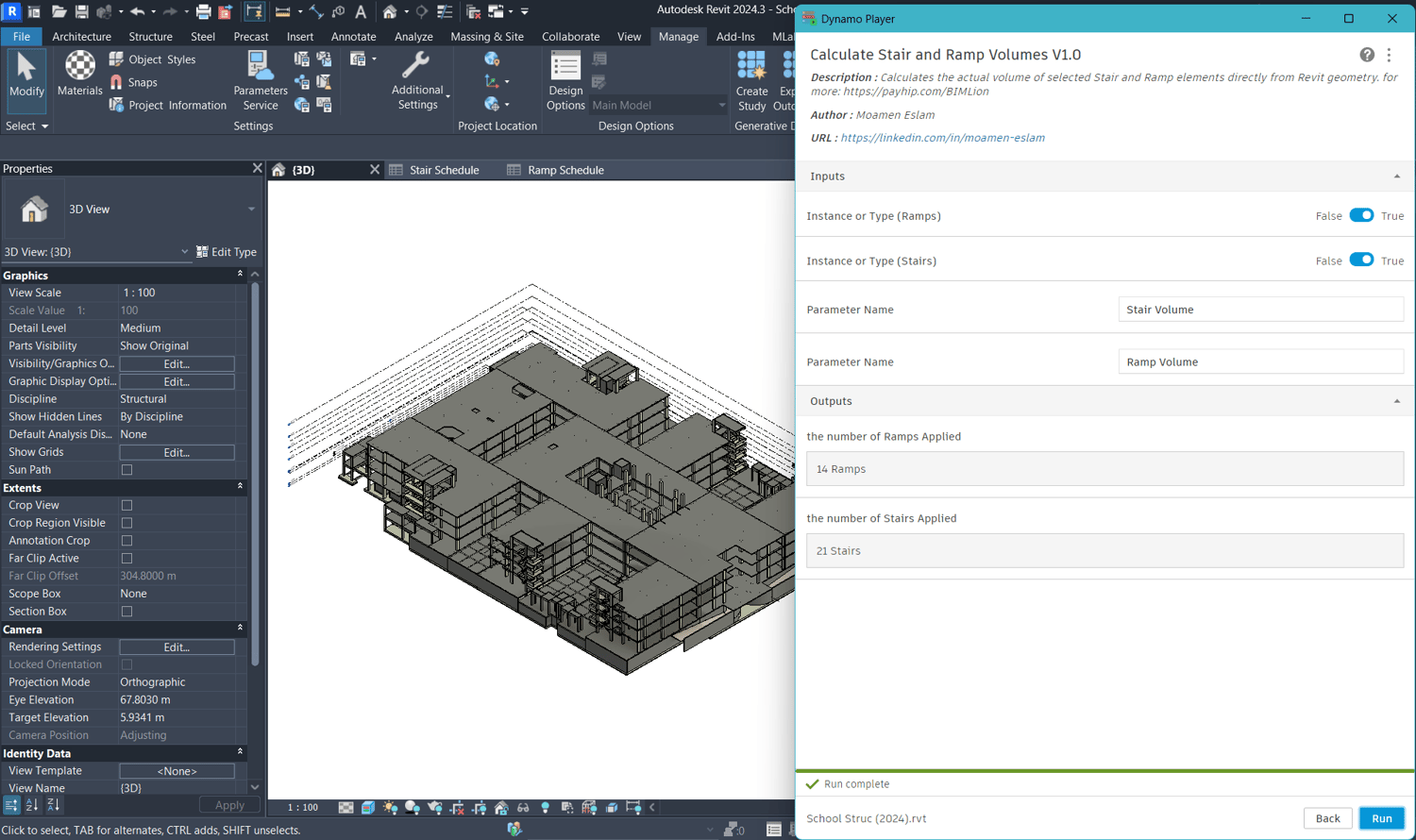
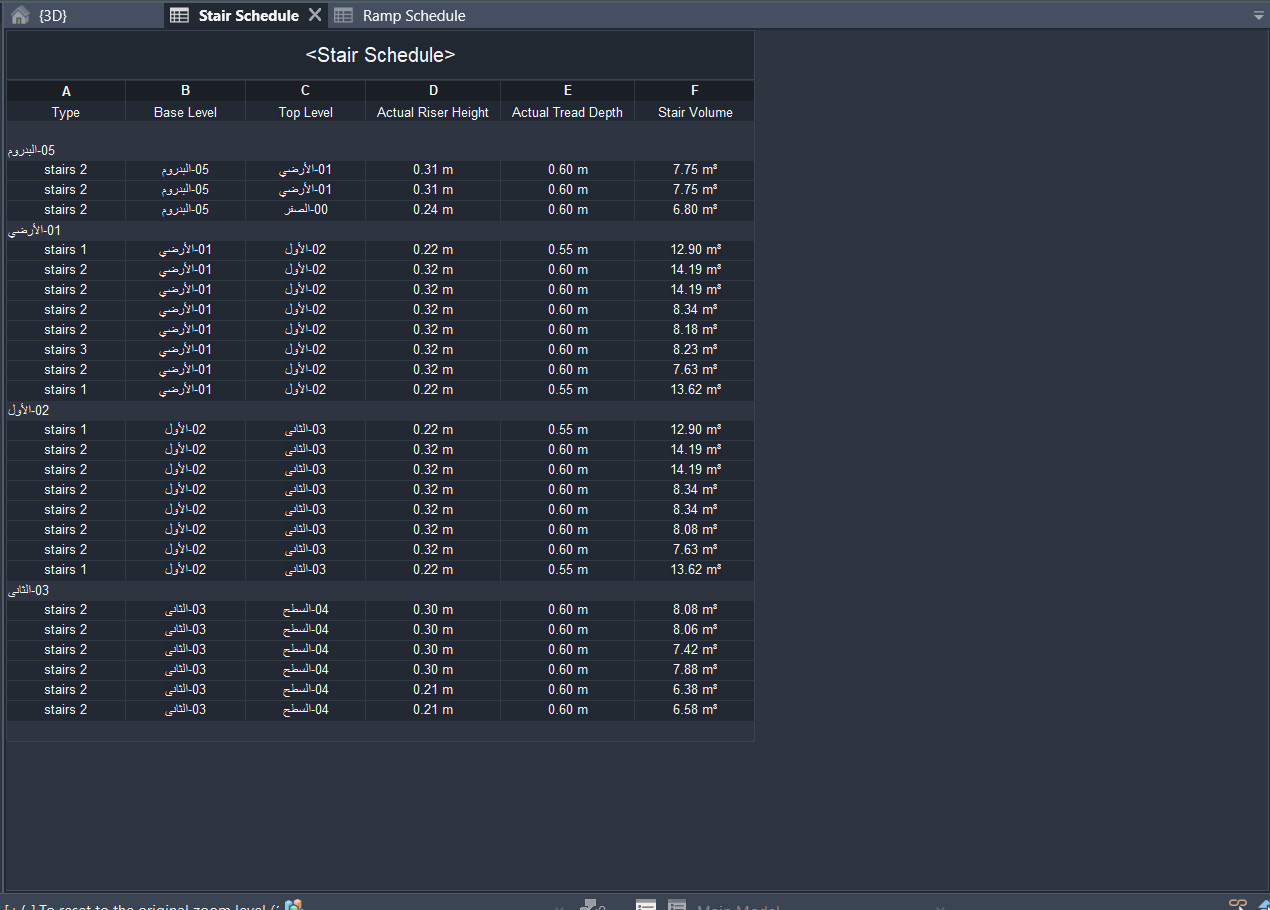
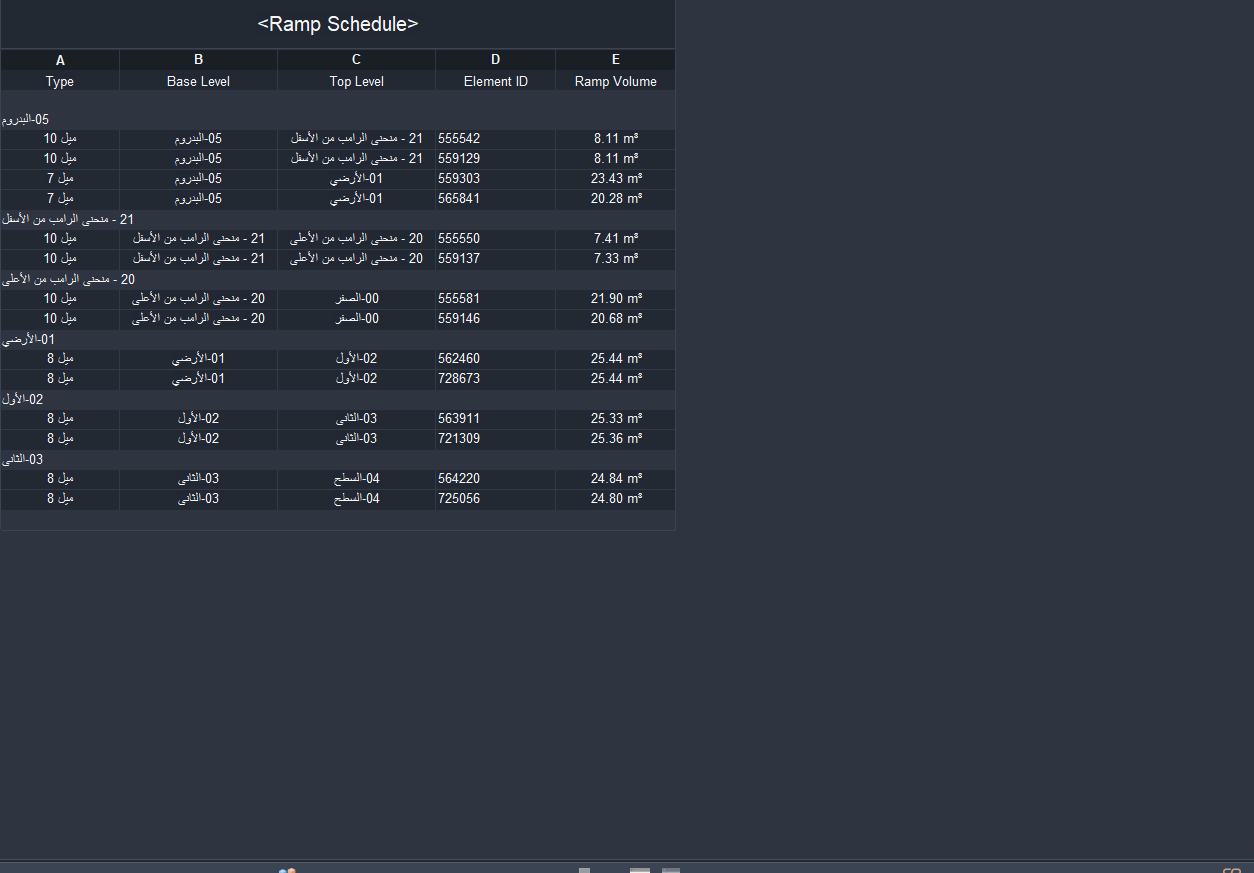
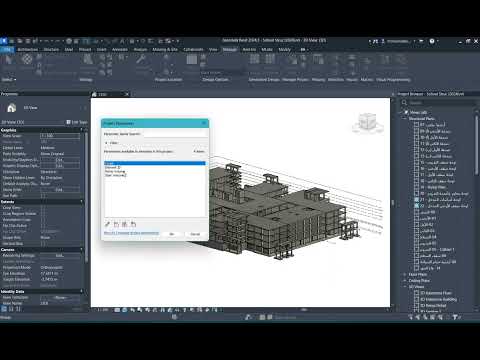
Pulls the volume Revit has already computed for each selected Stairs and Ramps element and writes it into a project parameter you name — automatically created, no manual setup. The result is ready to drop straight into a schedule for concrete quantity takeoff.
What You Get
- The .DYN file
- Full documentation (setup + usage)
- Tested on Revit 2024.3.4 / Dynamo Core 2.19.3.6394 / Dynamo for Revit 2.19.4.13096
- Python Engine: CPython3
- Required packages: None — native nodes + internal Python only
Before You Download — What You Need
- Stairs and Ramps already modeled with dimensions verified — this is a final-step script, not something you run mid-design
- A parameter name you want the script to create and populate
Known Limitations
- Calculates volume only for elements already modeled as Stairs/Ramps categories — does not create or modify geometry
- Volume accuracy reflects Revit's native geometry calculation — an improperly modeled element (open sketch, gap) will produce an inaccurate volume that reflects the model, not a script error
- Intended as a one-time final quantity-extraction step, not a live/running tracker
Version
v1.0 — Aug 2026
License
Free to use and share for personal and professional use. No claiming authorship or removing creator credit. No resale or repackaging as a paid product.
Support
Questions or issues → support@bimlion.com